


one camera,
decades of
possibilities

Era: 1940 Degree: 1

Era: 2010 Degree: 1
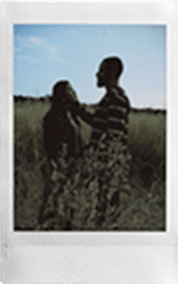
Era: 1980 Degree: 3

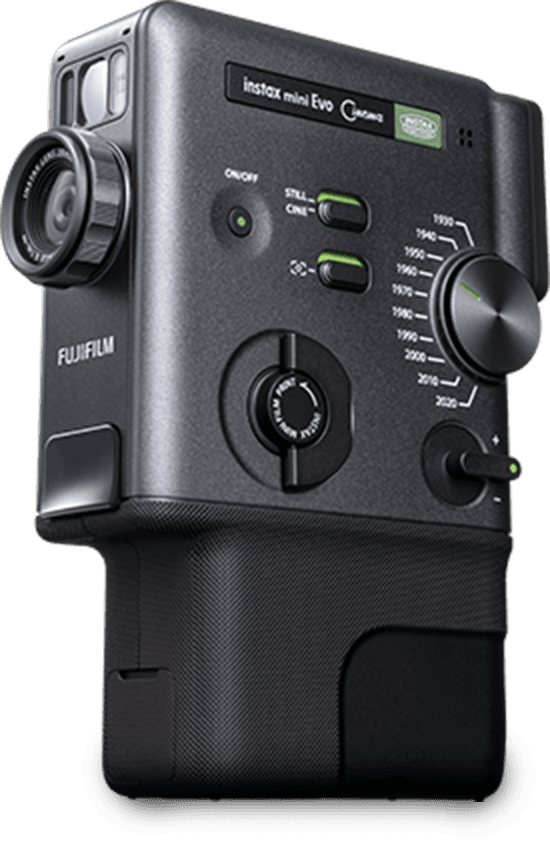
instax mini Evo™


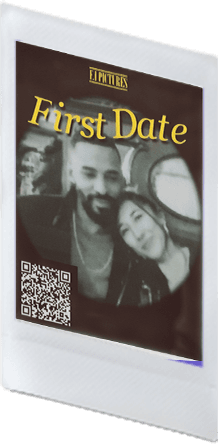
Era: 1930 Degree: 4
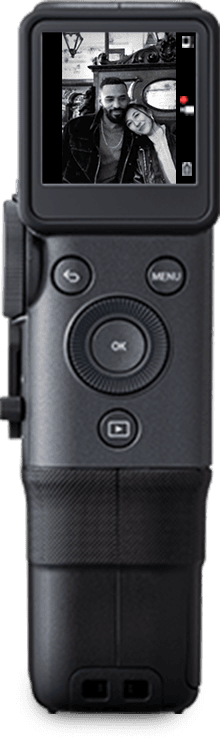
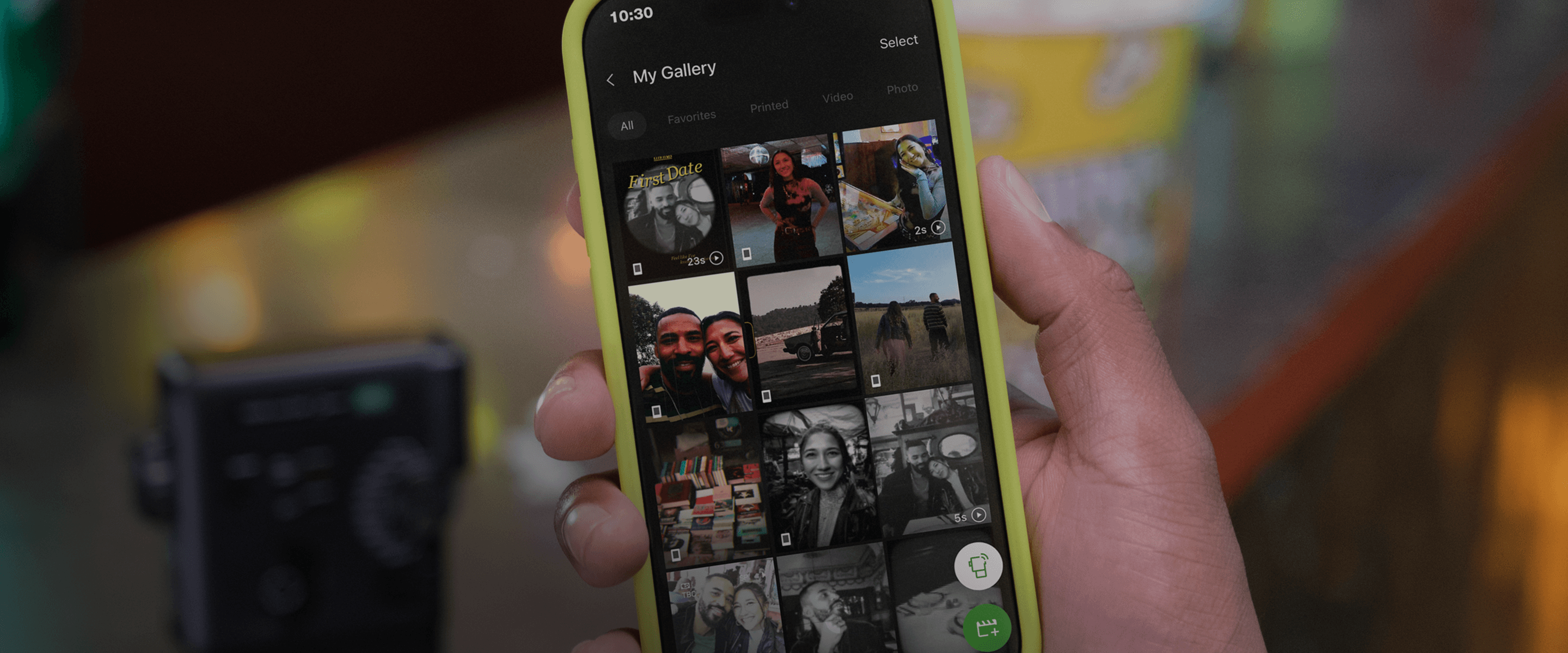
Play your prints 
Scan QR code
to watch your videos.
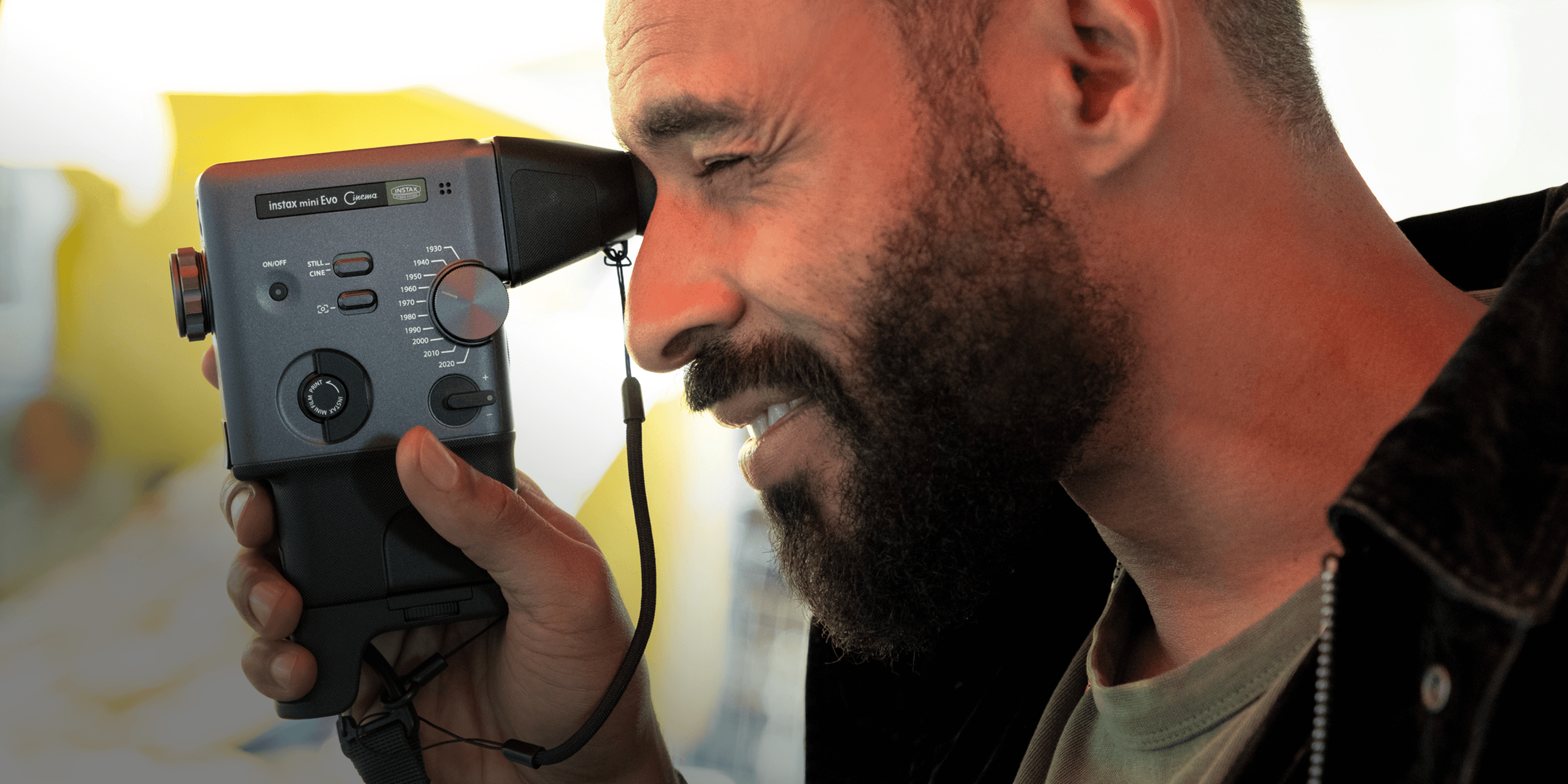
3-in-1 
The first instax™ device
to shoot videos and photos.
Or print from
your smartphone.
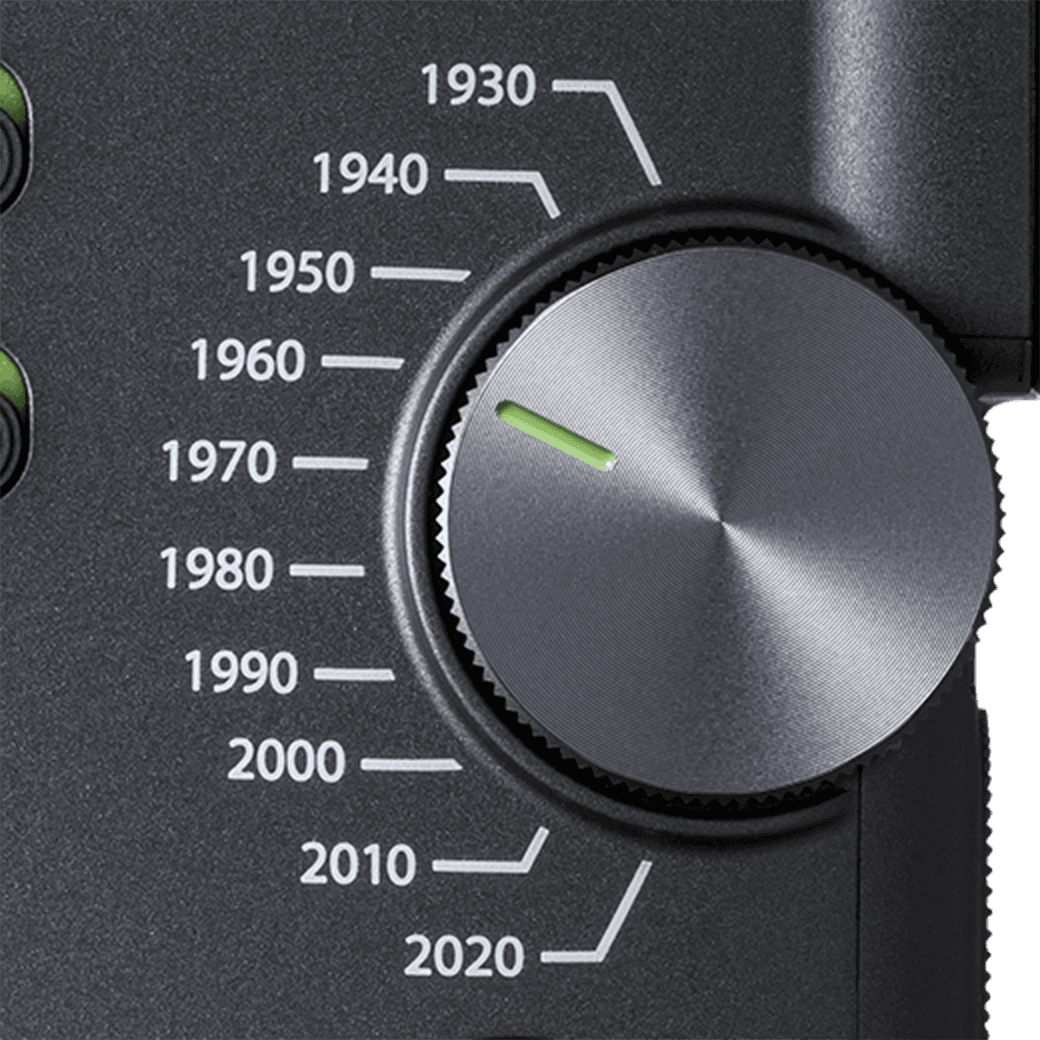
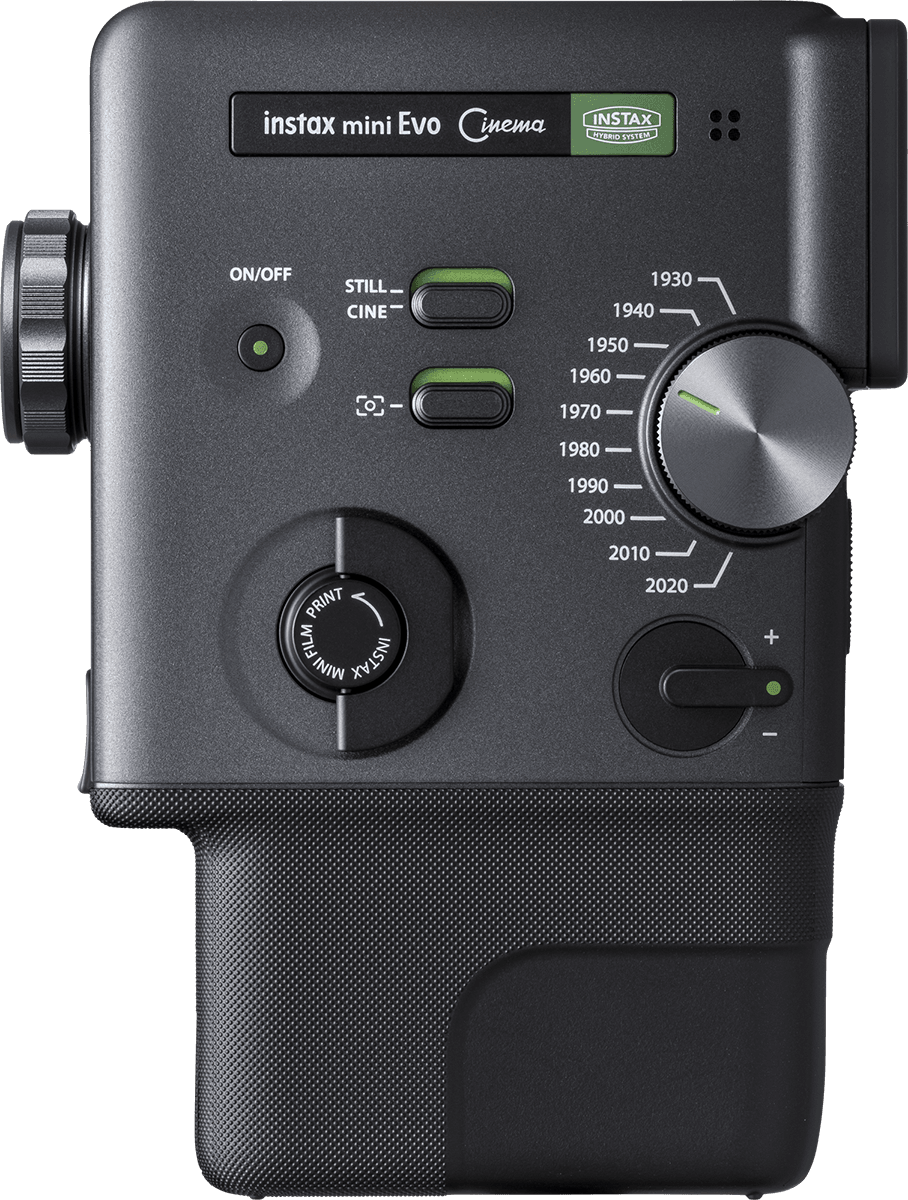
Eras Dial™ 
Choose your camera
style by decade.



INFORMATION
-
NEW -
NEW You can now print photos from the FUJIFILM X-M5 digital camera using the instax™ series!
-
NEW Print photos from FUJIFILM's X-T30 III digital camera with instax™ hybrid instant cameras!
-
Print photos from FUJIFILM's X half digital camera with instax™ hybrid instant cameras!
-
instax mini Evo Cinema™ special website launched.
Product
Design
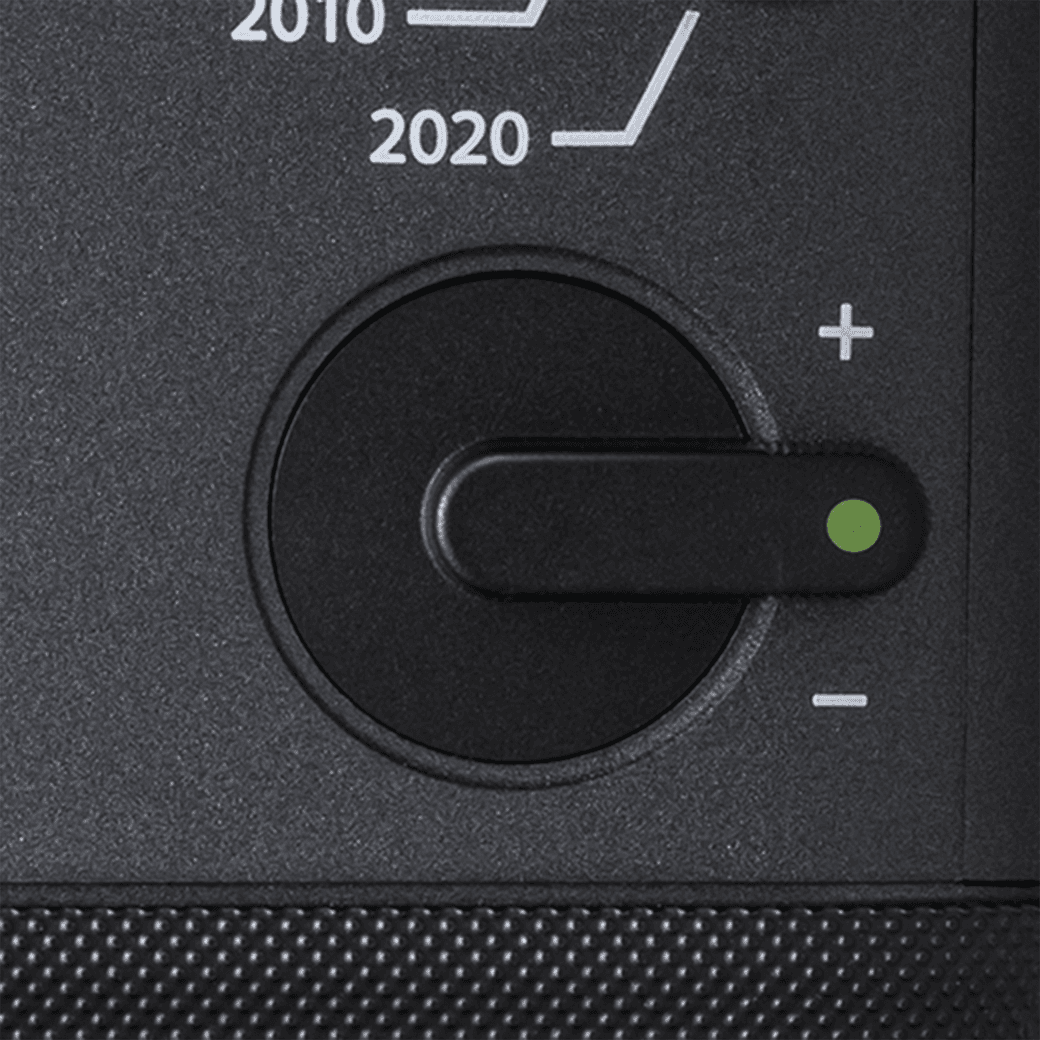
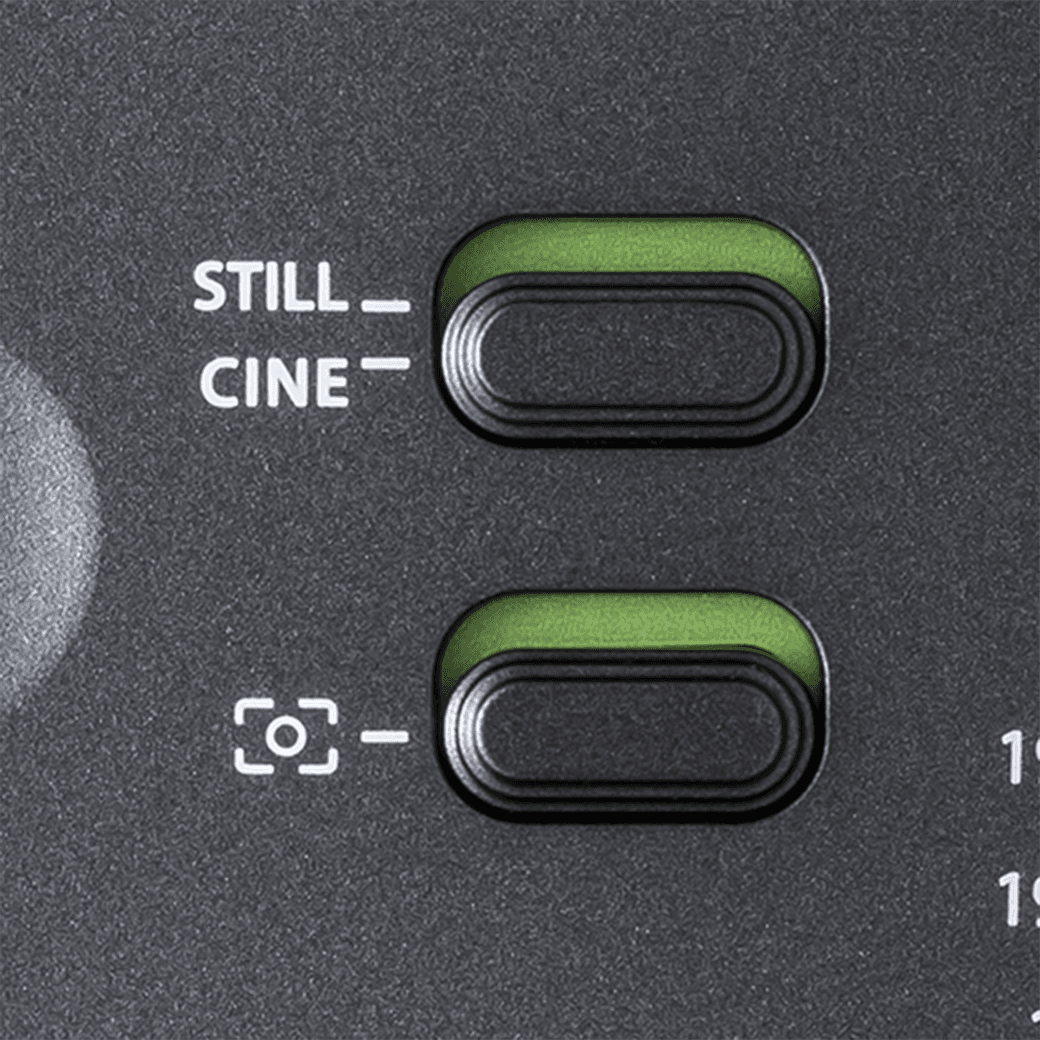
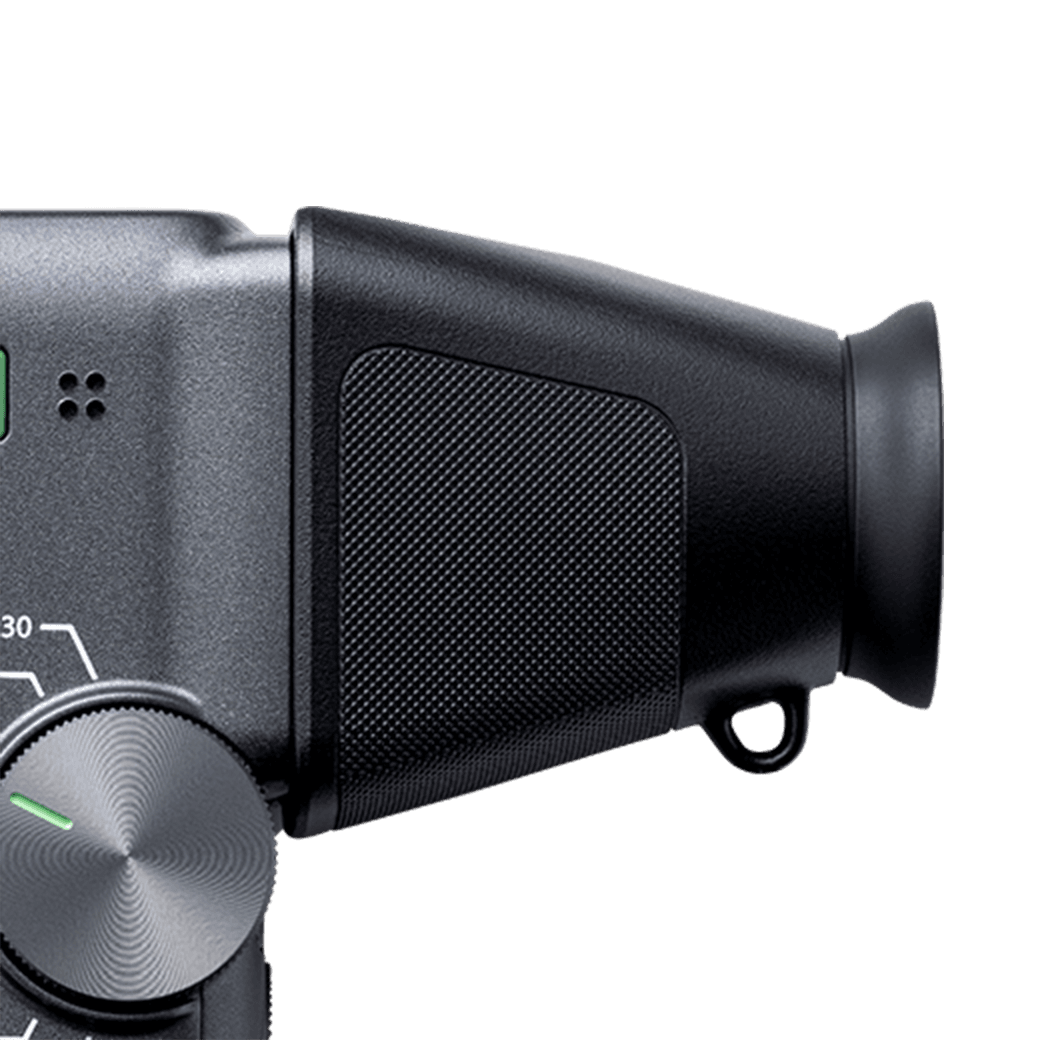
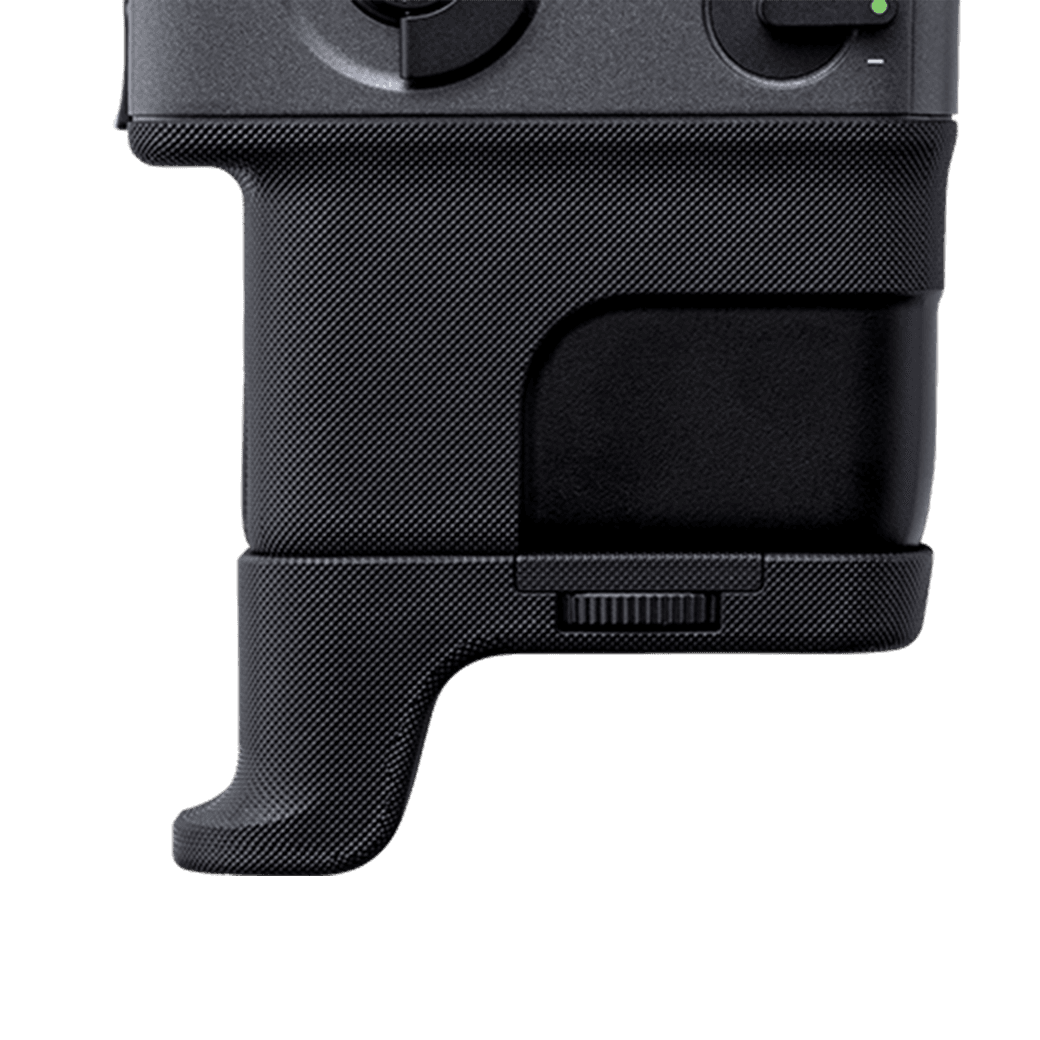
Degree
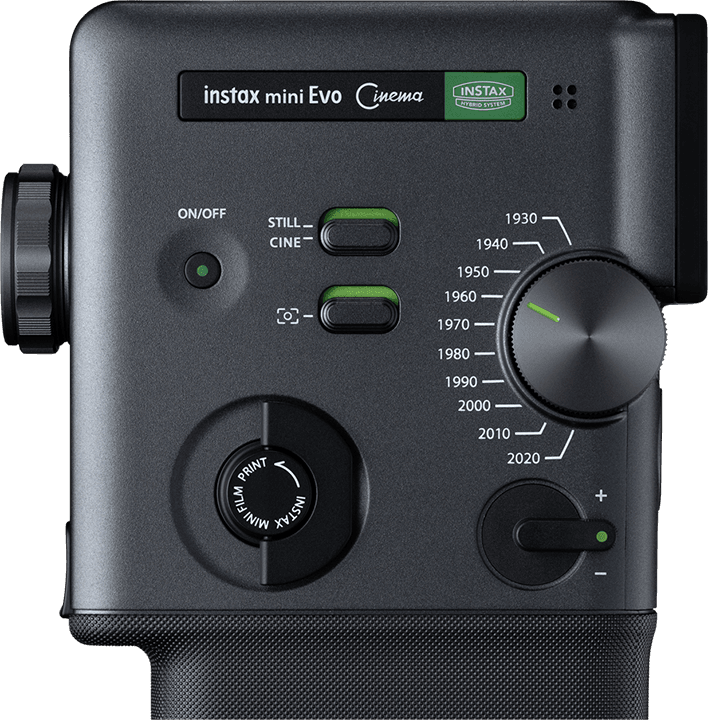
Control
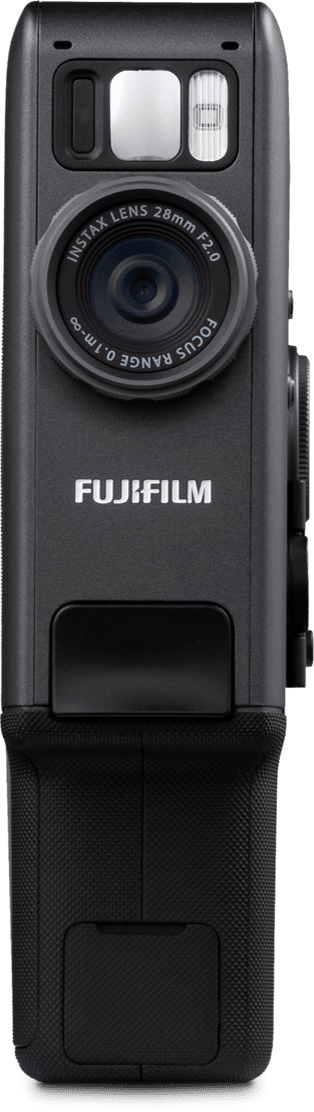
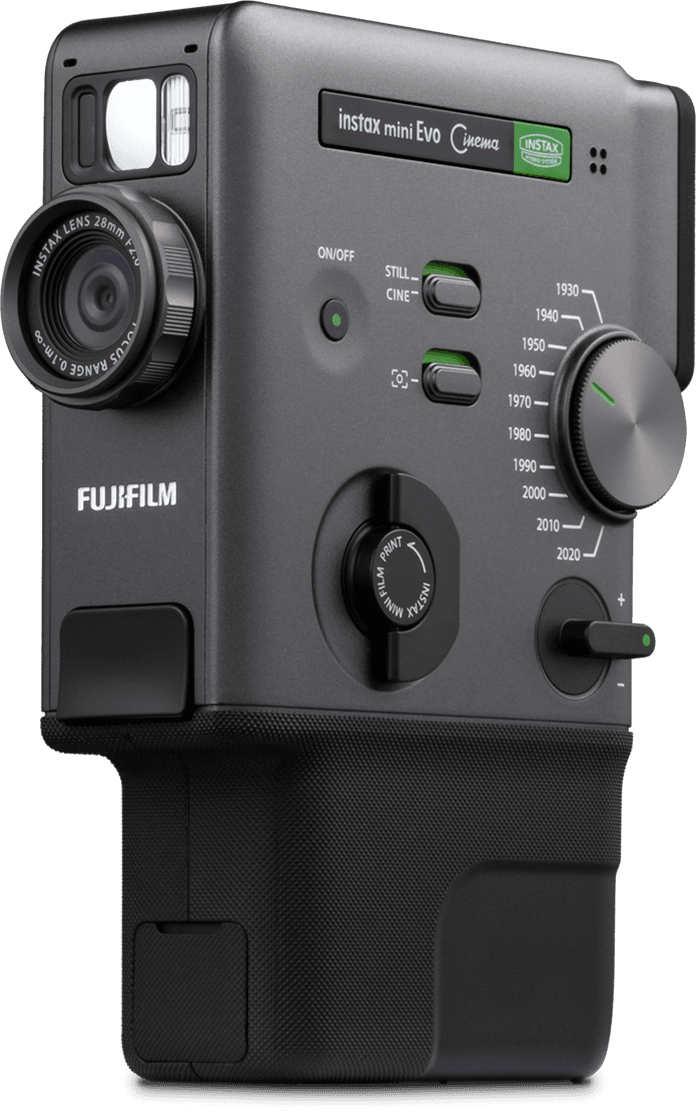
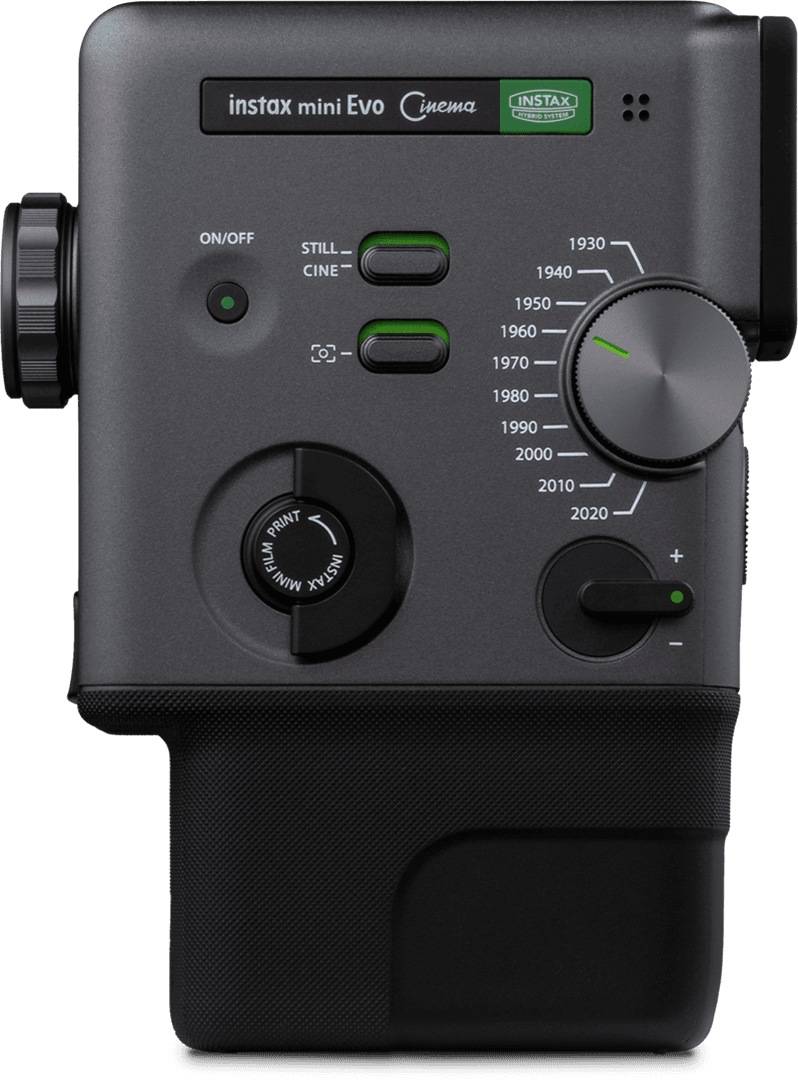
Dial
Eras Dial™
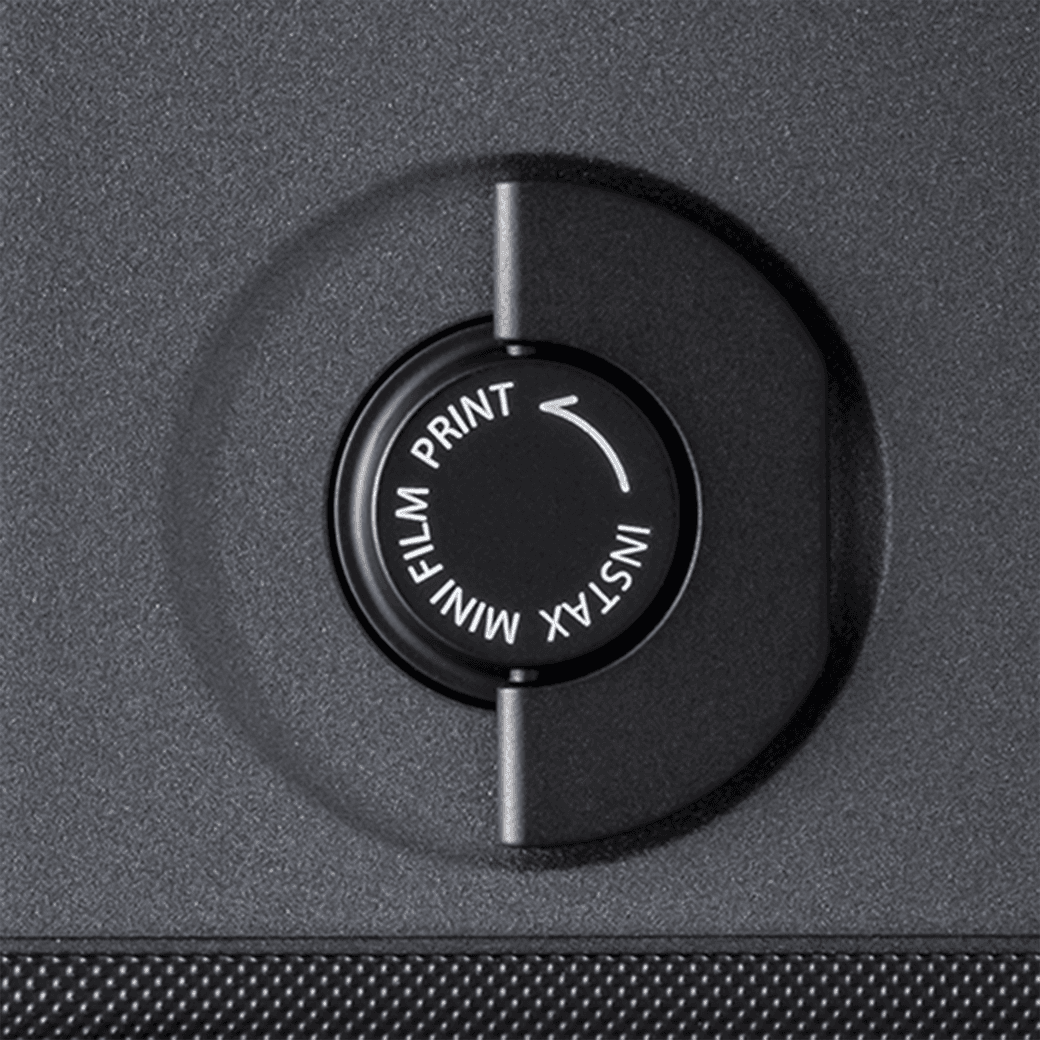
Print Lever
Zoom Lever
Switch
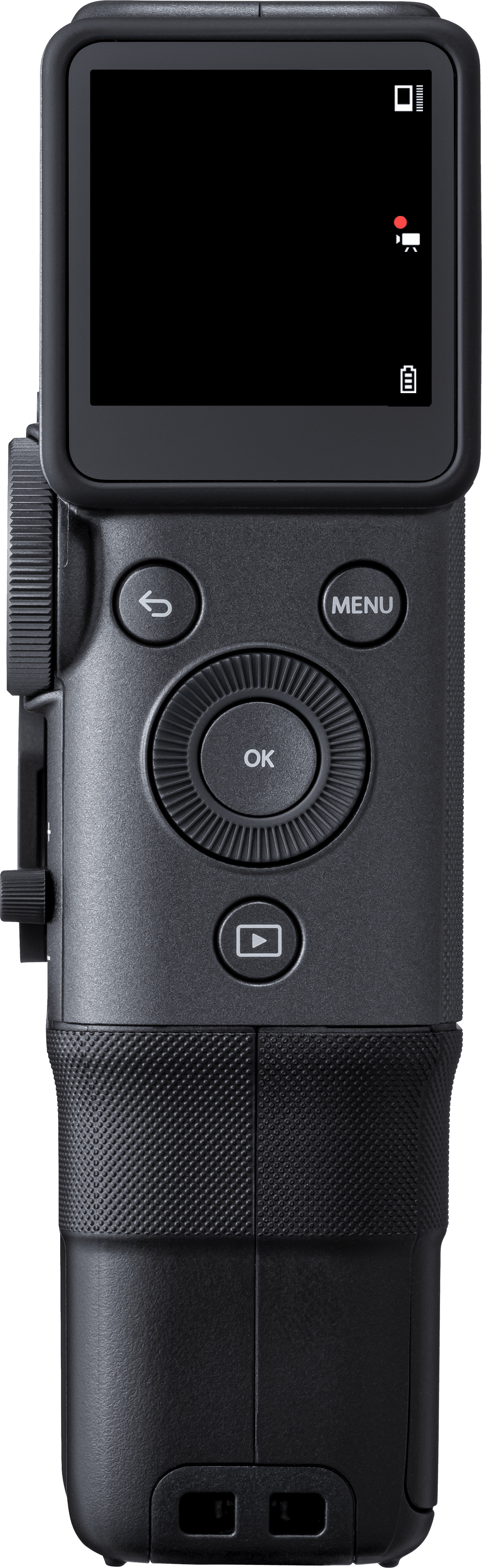
Finder
Attachment
Grip
Attachment
Button &
Dial
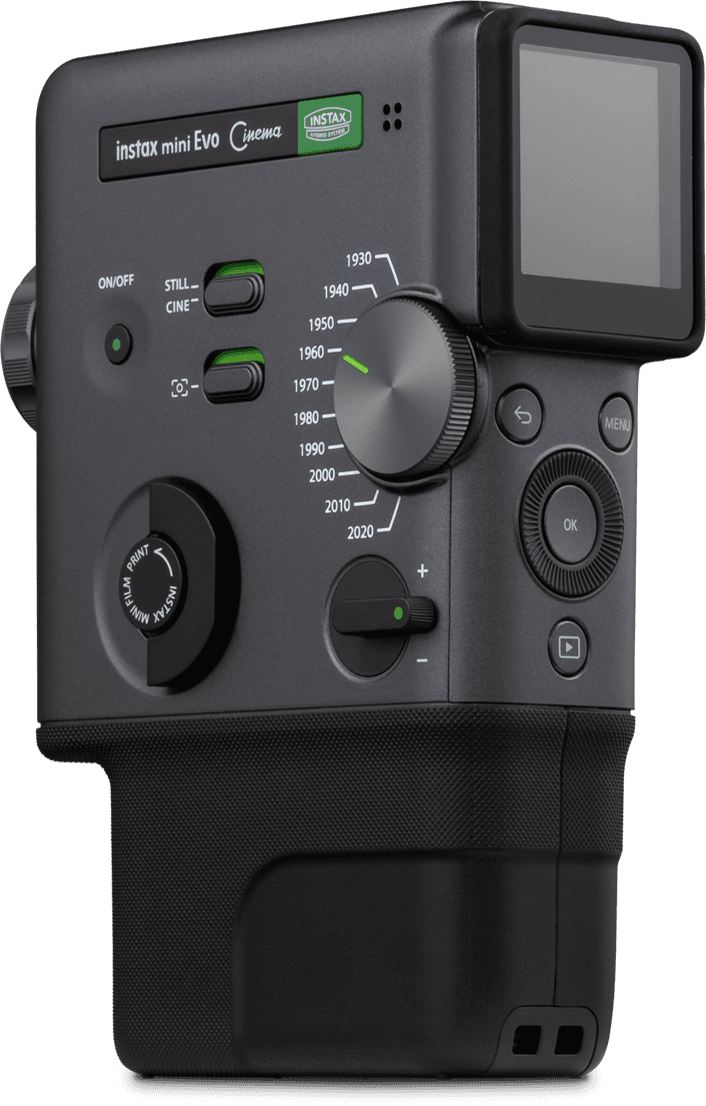
Rotate the Degree Control Dial and
choose from 10 effect intensity levels.
Cycles through
10 Eras Dial™ effects.
Twist the lever
to print your favorite photos.
Get closer to the action
with smooth zoom controls.
Easily switch between video and still images.
Then add more flavor to the scene
with the Frame Switch.
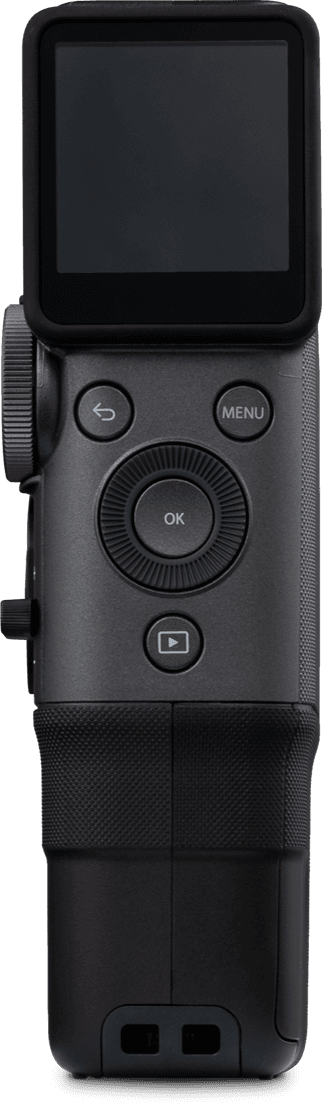
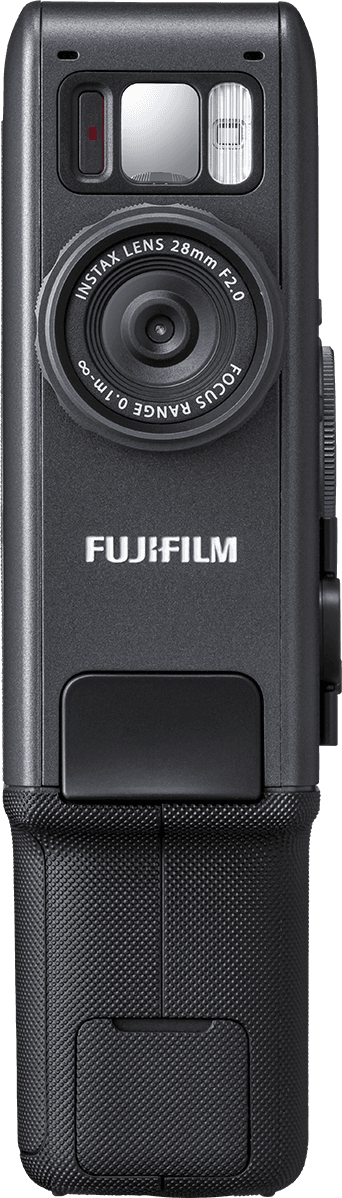
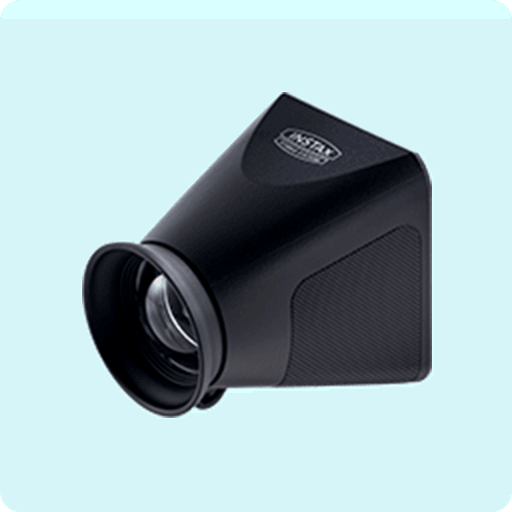
Add the Finder Attachment in
front of the LCD screen for a
more immersive shooting experience.
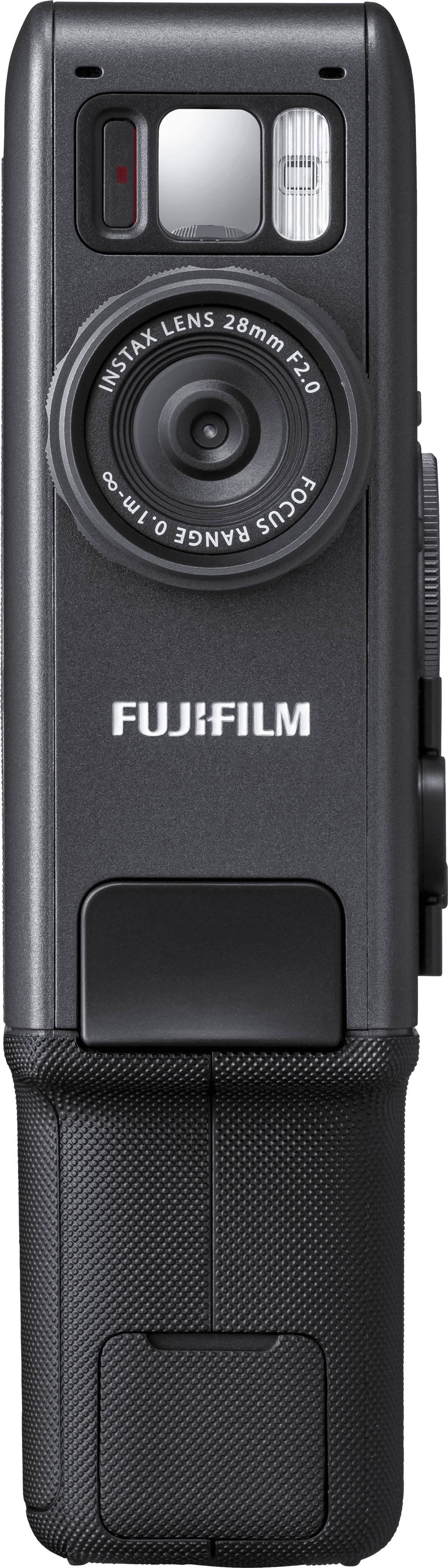
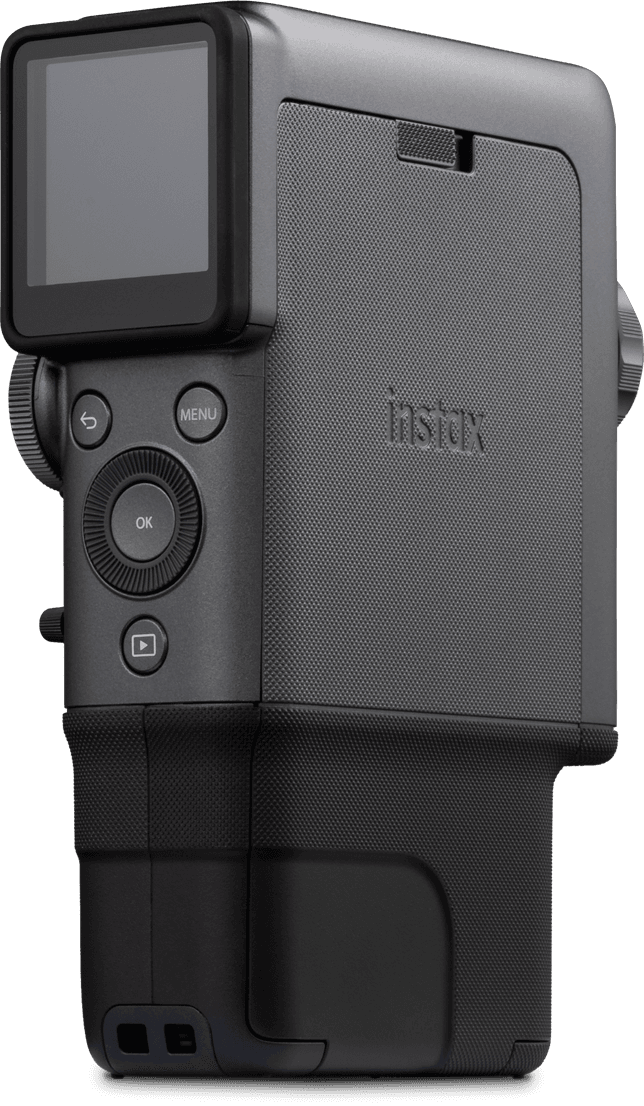
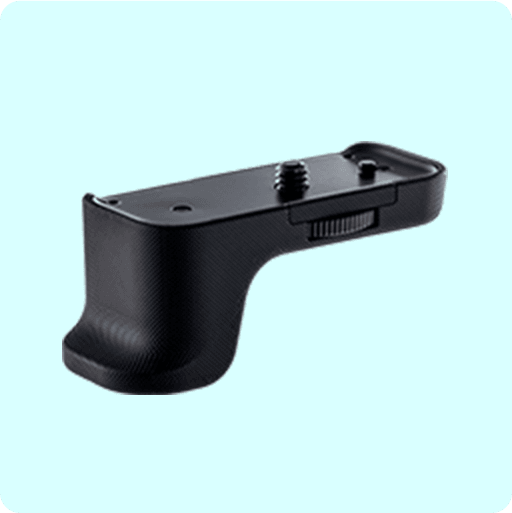
Use the Grip Attachment
for a more confident,
secure grip.
Ergonomically designed for
simple one-handed operation.
01
02
03
04
05
06
07
08

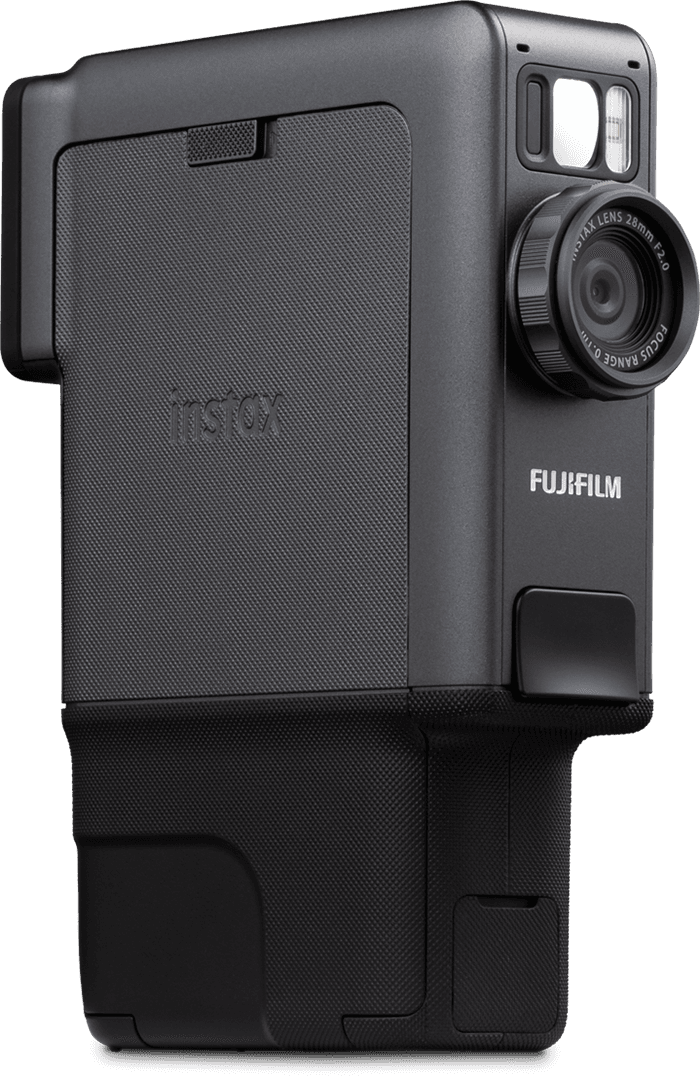

Create short videos,
still images and print from
your smartphone.

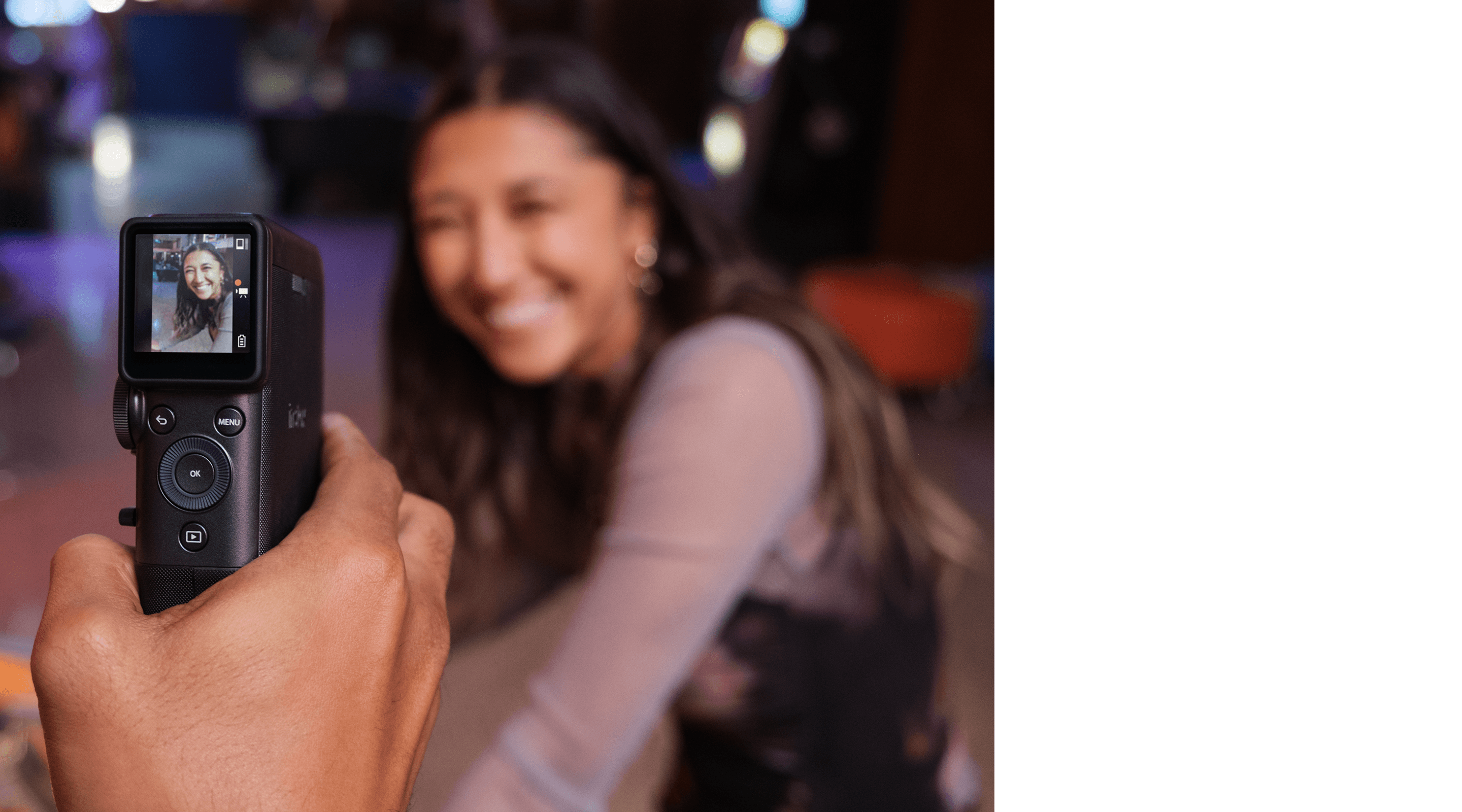
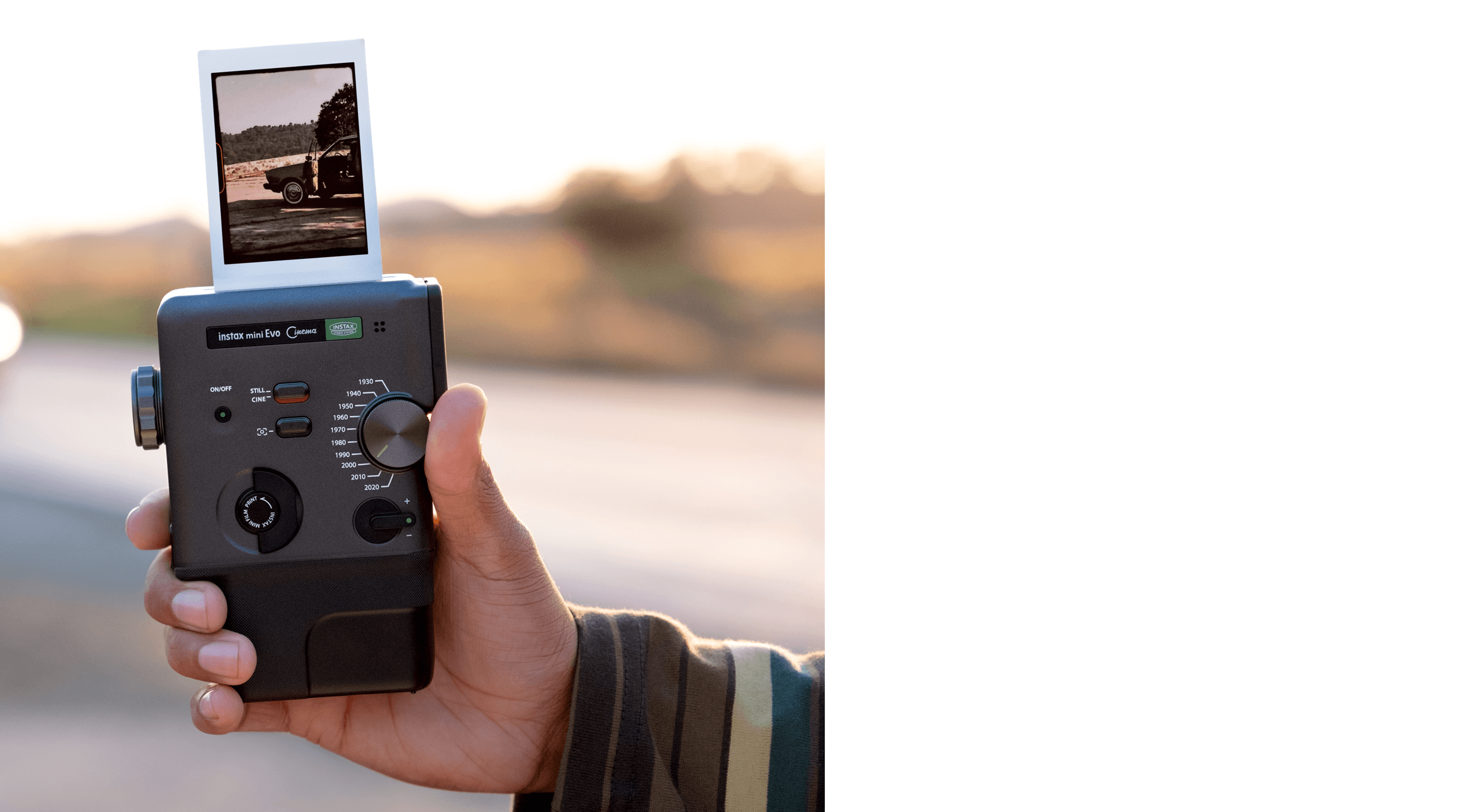
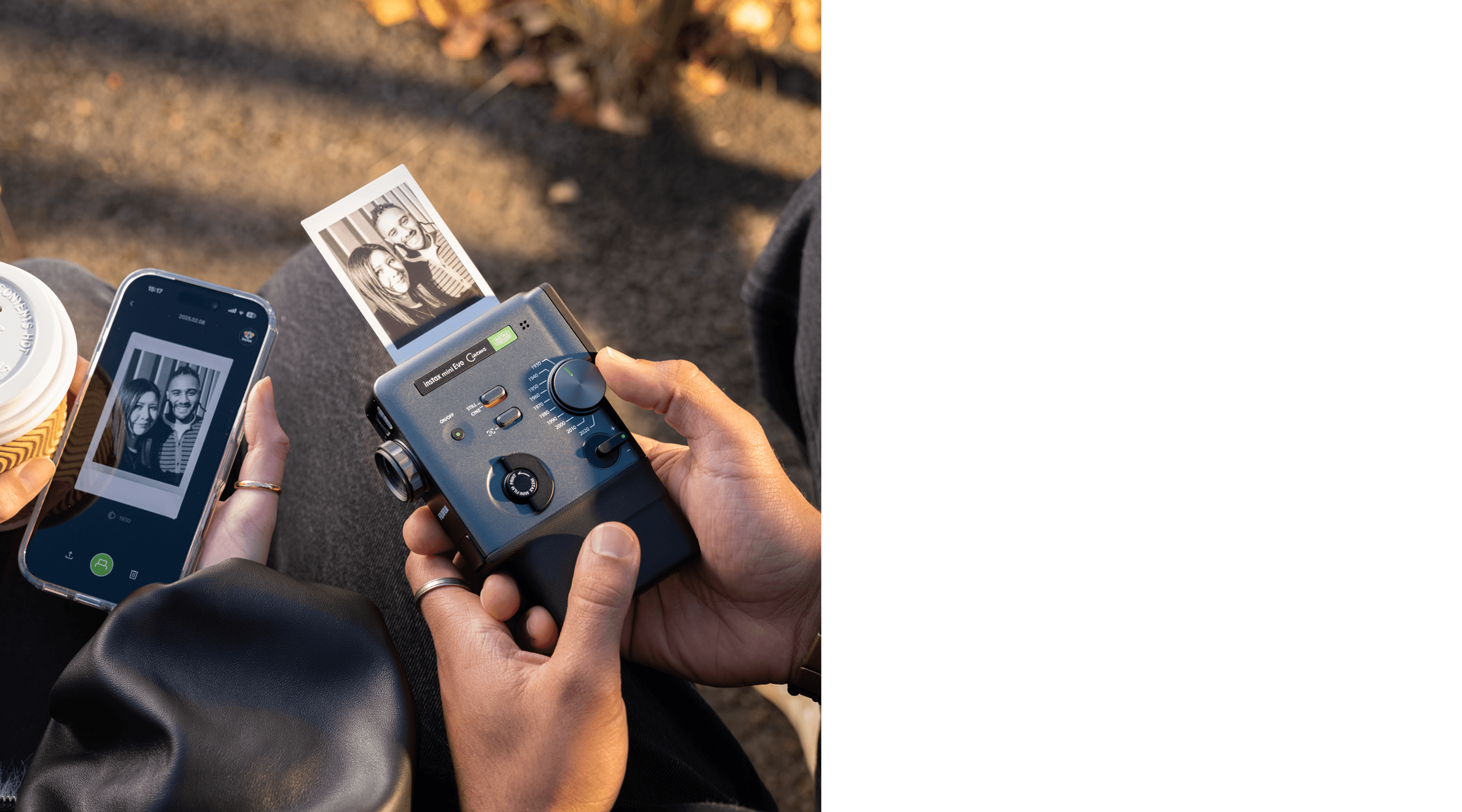
3-in-1 hybrid
instant camera
—a first in
instax™ history
01
Video
shooting
02
Still image
shooting
03
Smartphone
Printers
How to use
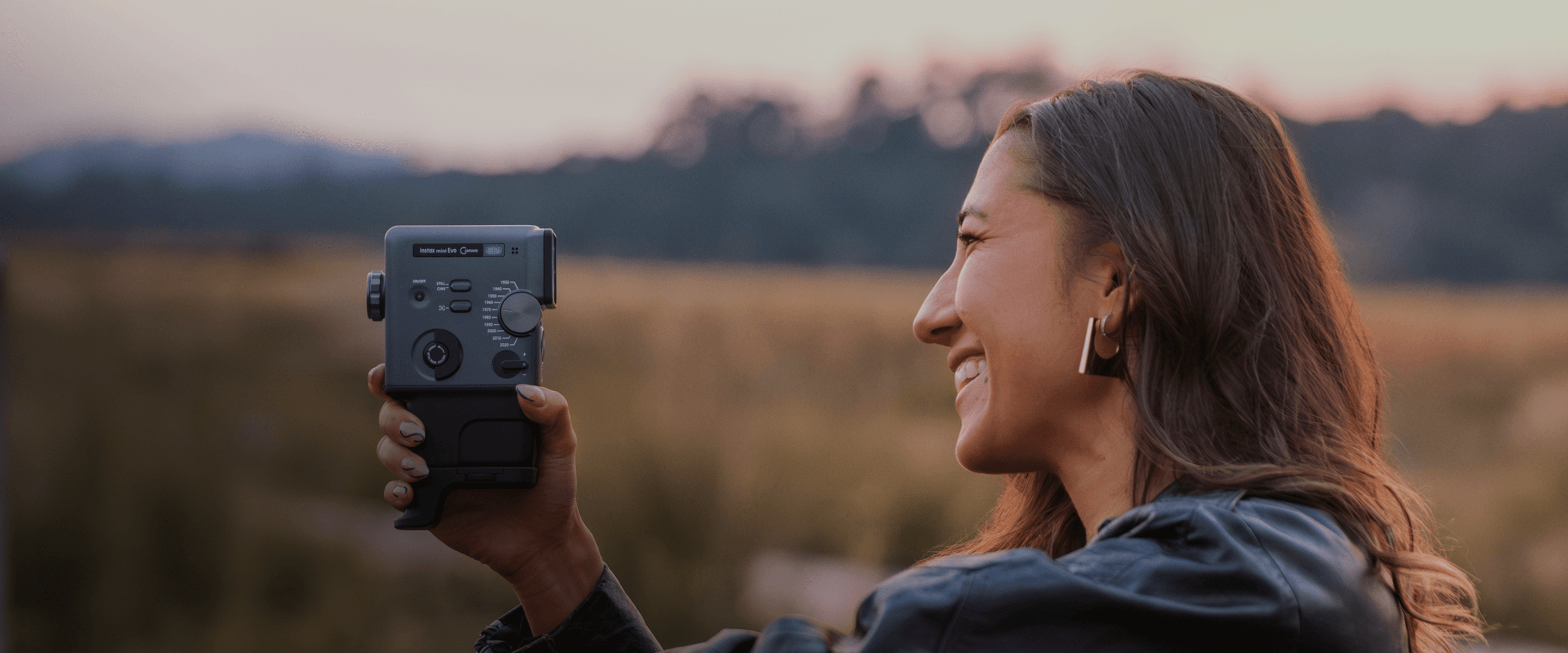
\STEP/ 1 Shoot Shoot short videos and still images
Intuitive design makes shooting easy
Capture & combine multiple in-the-moment videos up to a maximum of 15 seconds with just the press of the shutter button. Easily switch between CINE mode for video and STILL mode for still images.
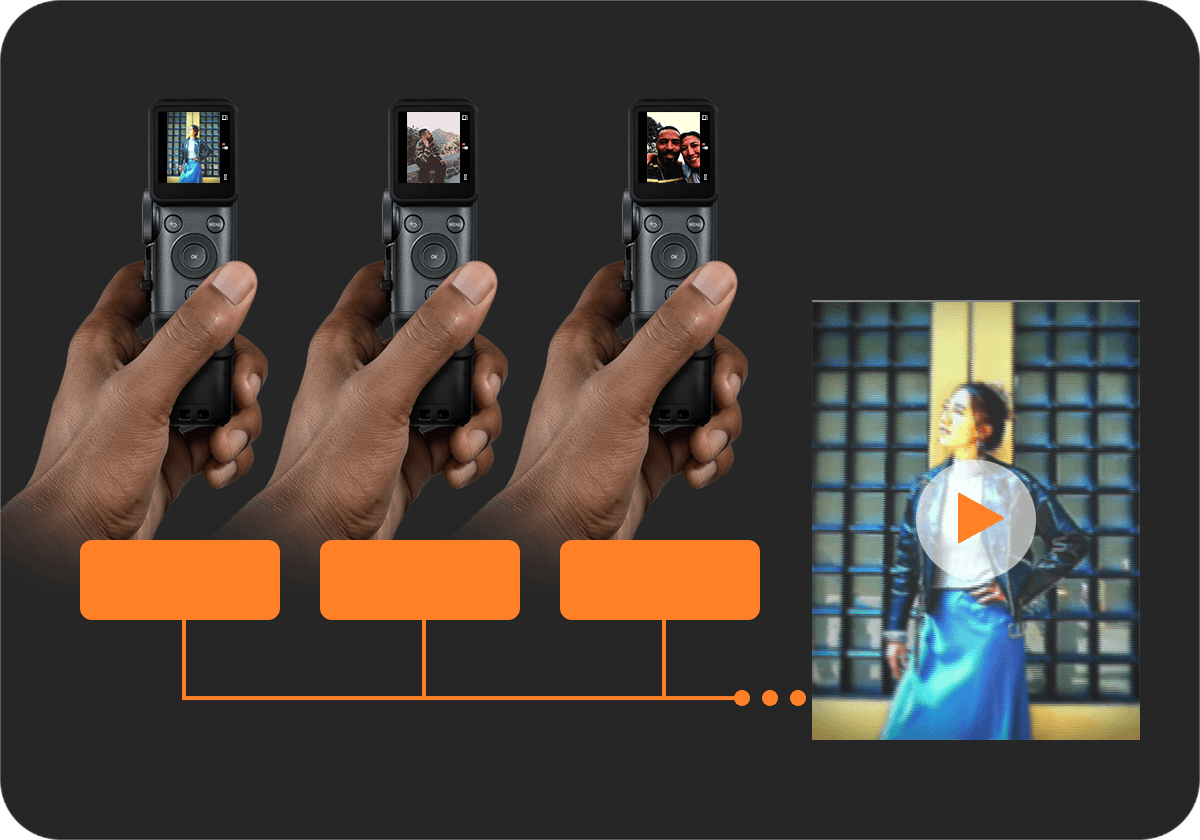
1st clip
2nd clip
3rd clip
\ Up to 15 seconds /
10 Eras Dial™ effects








Eras Dial™
Degree
Express yourself in 100
different ways with 10 Degrees
& 10 Eras Dial™ effects.









10 levels of degree control
Eras Dial™
Featuring 10 Eras Dial™ effects inspired by various eras.
Eras Dial™ effects can be applied to your footage and the recorded audio, allowing you to capture movies with a rich, distinctive flavor.
Degree
Control
Dial
Fine-tune the chosen Eras Dial™ effect with the Degree Control Dial. Rotate the lens ring to adjust color, contrast, and noise expression – choose from 10 creative variations per Era.
Degree 1
Degree 5
Degree 10
\STEP/ 2 Print Easily print from the camera or the app
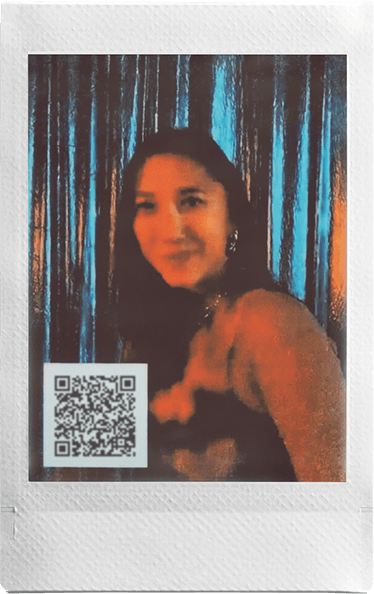
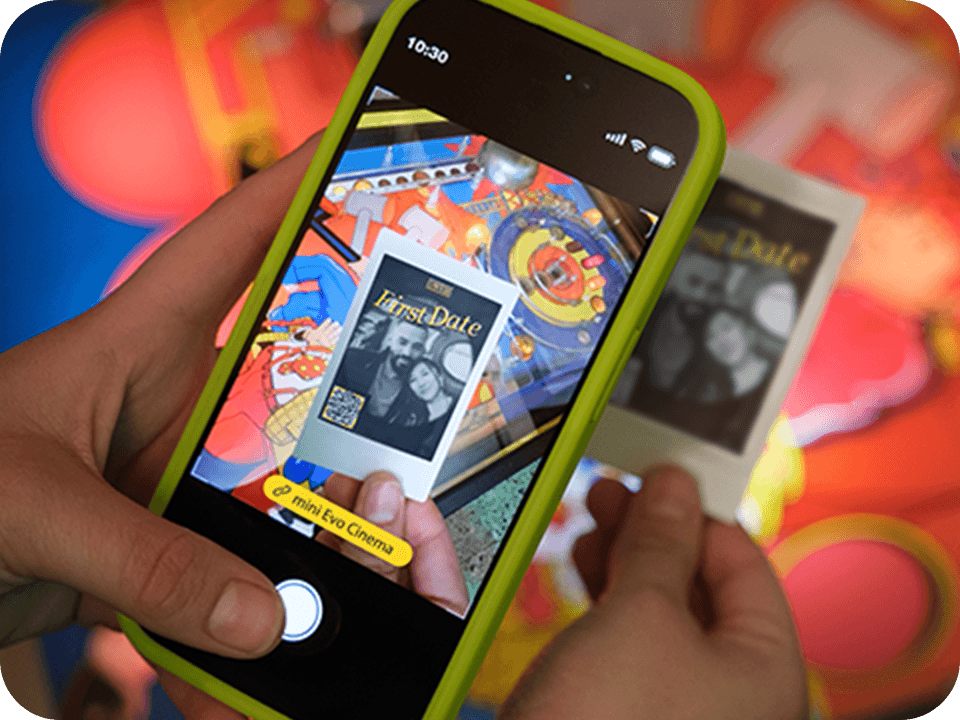
Print the Video with a QR code
Easily print videos utilzling the print lever or print instax™ photos with QR code.
*Video data must be uploaded to the server via the instax mini Evo™ app to play back from a QR code.
01
VIDEO EDIT
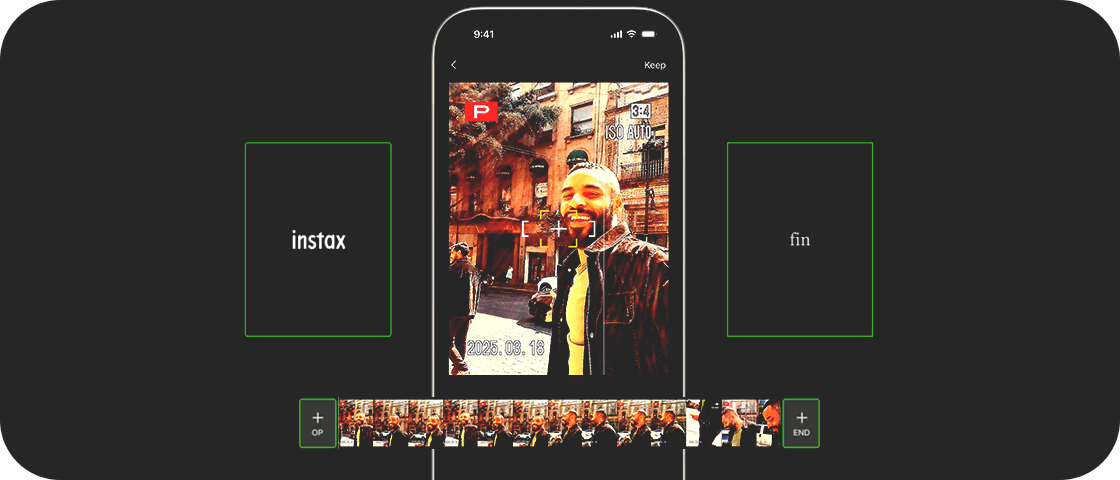
Easily edit your video with the trimming,
video sorting and rearranging videos features.
02
OPENING
& ENDING

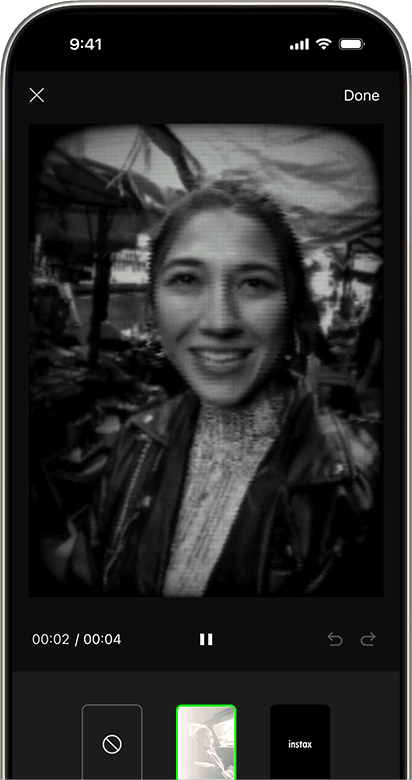
Equipped with opening & ending templates for even more impact.
03
POSTER TEMPLATE

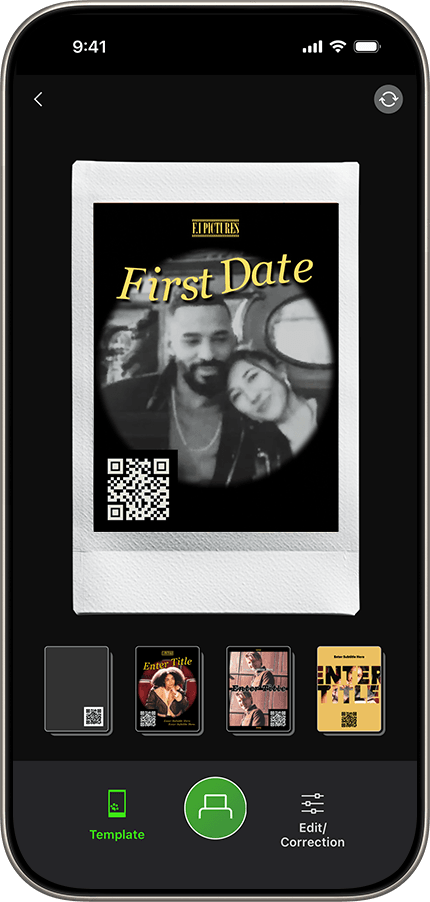
Print using a Poster template to give your instax™ photo that finishing touch.
*Video data is stored and playable for two years from upload date.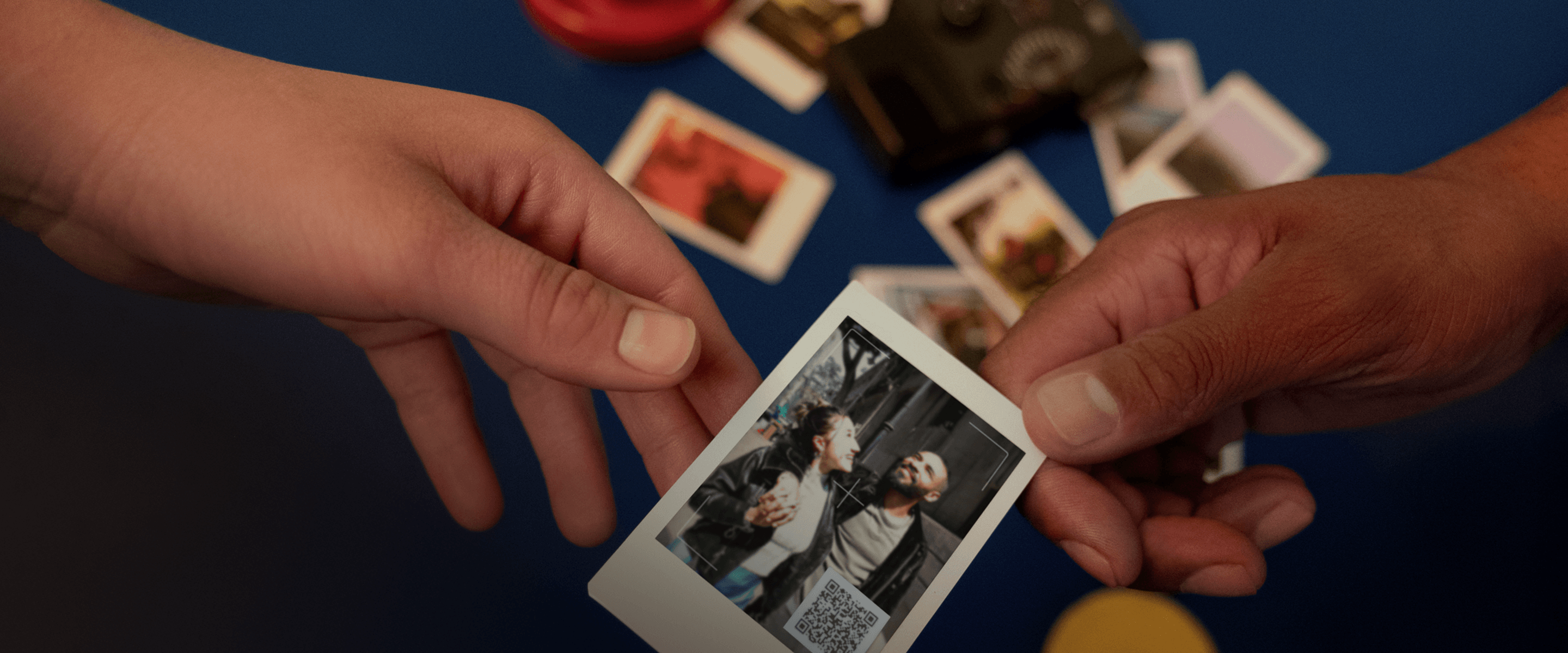
\STEP/ 3 Share Share instax™ photos and save videos on your smartphone
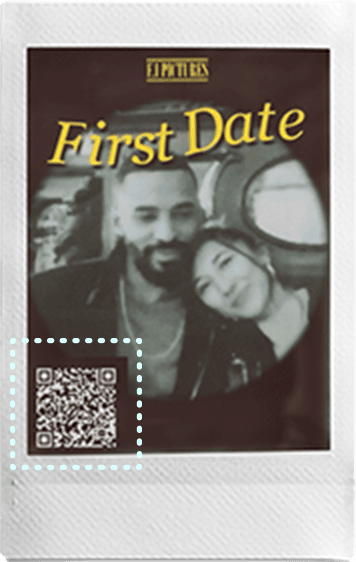
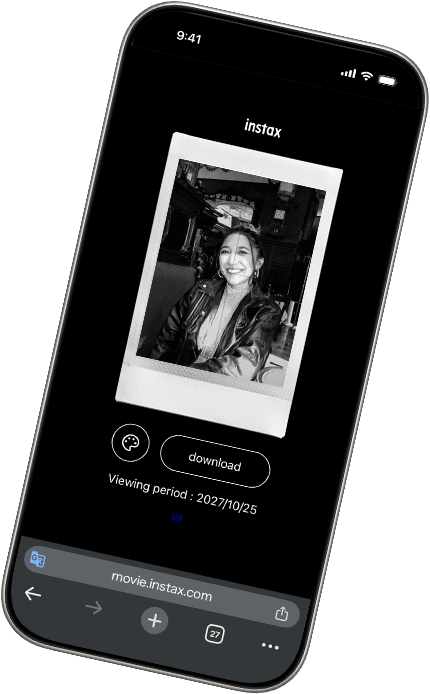
Share with instax™ photos
Scan the QR code to watch the video in your browser.
Share with video data
Save videos with a QR code to easily share them on social media.
Other
Features
-
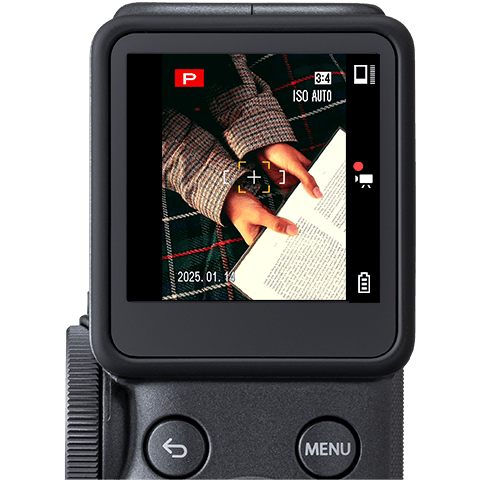
Frame
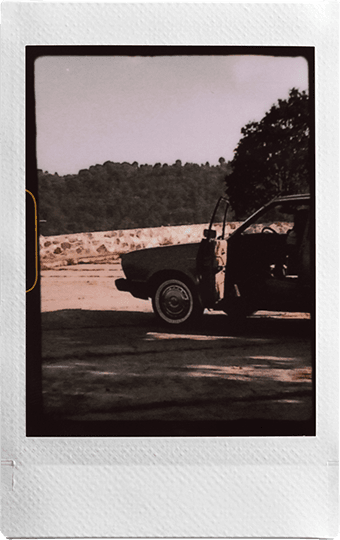
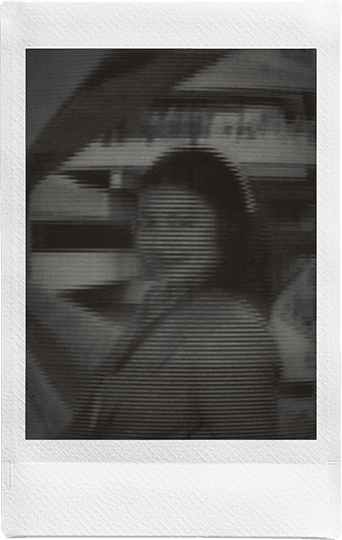
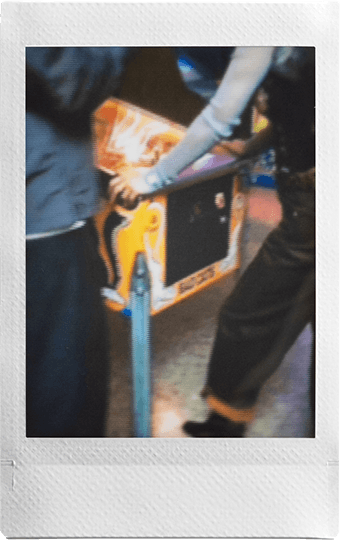
Flick the Frame Switch to add even more flavor to every shot or clip. There’s a frame for every Era, each echoing the characteristics, media and playback devices that defined that time.
-
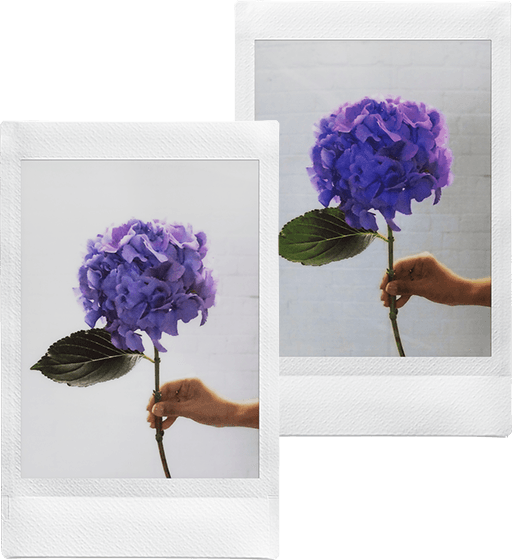
instax-
Natural Mode™instax-
Rich Mode™Print Mode
Use instax-Natural Mode™ and instax-Rich Mode™ to adjust the look and feel of your instax™ photos.
-
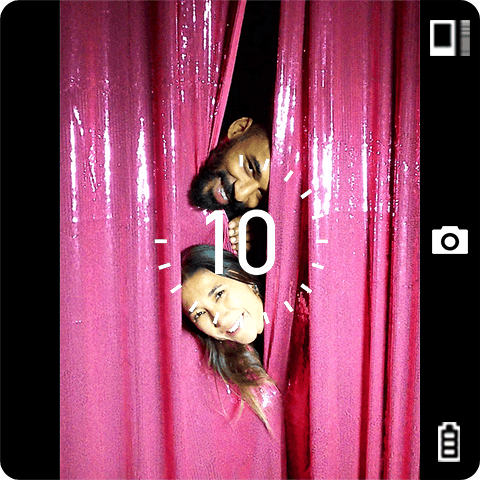
Self Timer
The self-timer allows you to be part of group shots and also minimizes the blur in still images.
-
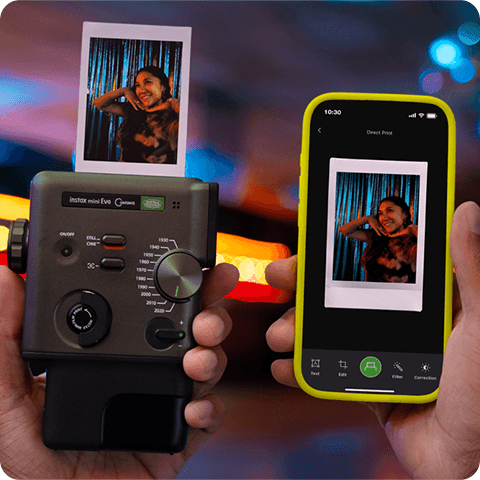
Direct print
Send images directly from your smartphone to the camera and transform them into instax™ photos.
-
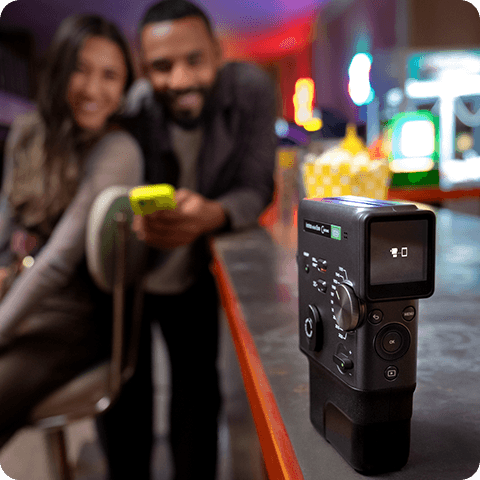
Remote Shooting
Frame, focus, and shoot photos or videos, all from your smartphone with the instax mini Evo™ app. Simply pair with the dedicated app and start shooting remotely.
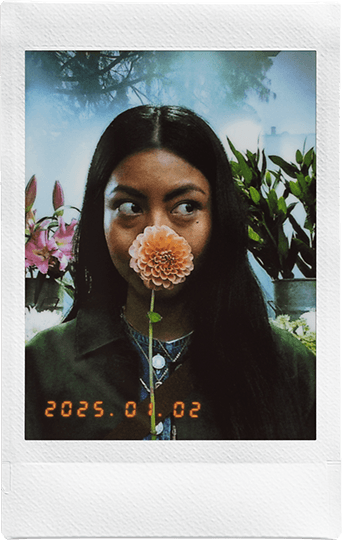




Attachment
Viewfinder
Attachment
Grip Attachment
Hand strap

Accessories*Sold separately
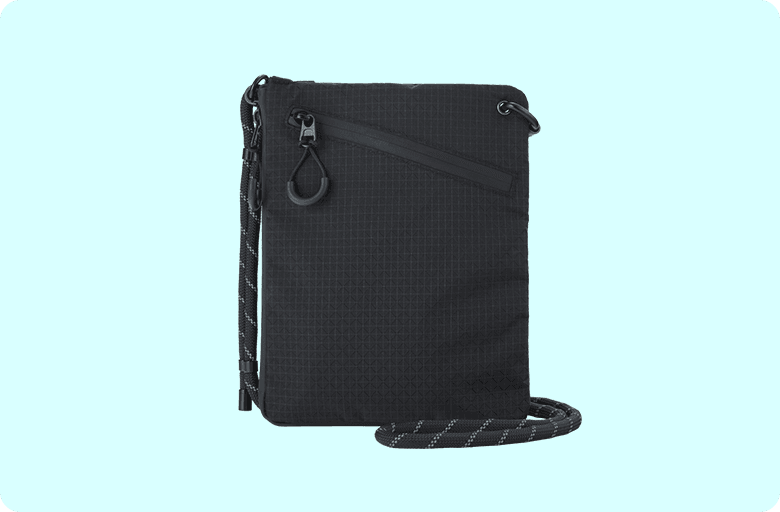
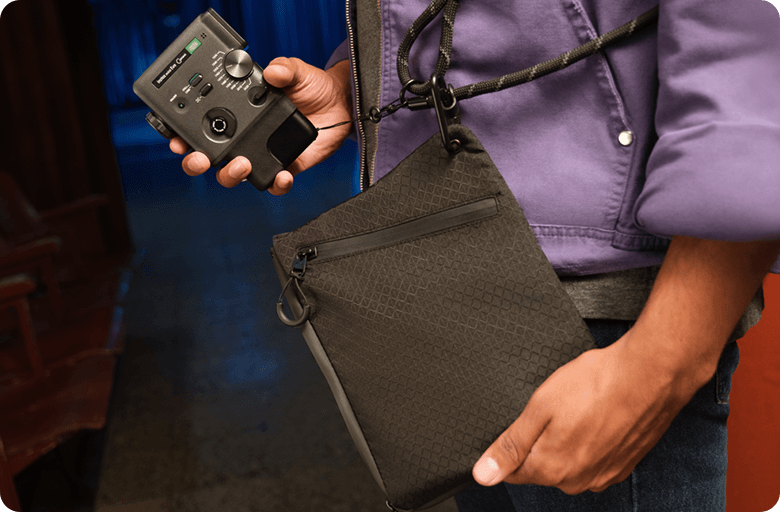
Camera Case
- Images of instax™ photos are for illustrative purposes only.
- Develops in approx. 90secs.
- The above specifications are subject to change for performance improvement.
- Image size may affect the finish (sharpness, grain, etc.).
- Time required for wireless communication may be affected by file size, smartphone model, etc.
- The photo print finish (color, image quality, etc.) may be affected by smartphone model, shooting conditions, etc.
- Actual finish may differ from the image displayed on the LCD screen of your smartphone.
- Smartphone screen images are superimposed.
- Actual screens may differ from those depicted.
- Feature names may vary by region.
- The Bluetooth® word mark and logo are registered trademarks of Bluetooth SIG, Inc. and FUJIFILM Corporation uses these under license.
- QR code is a registered trademark of DENSO WAVE INCORPORATED.
- FUJIFILM, instax, instax mini Evo Cinema, Eras Dial, instax-Natural Mode, instax-Rich Mode and “don’t just take, give.” are registered trademarks of FUJIFILM Corporation.
- Apple and the Apple logo are trademarks of Apple Inc., registered in the U.S. and other countries and regions. App Store is a service mark of Apple Inc.
- Google Play and the Google Play logo are trademarks of Google LLC.

Have you ever wondered what gives your favorite instax™ photos their unique look?
The secret lies within the film, and we’re ready to share all >>>
Film that’s filled
with technology
Point 1
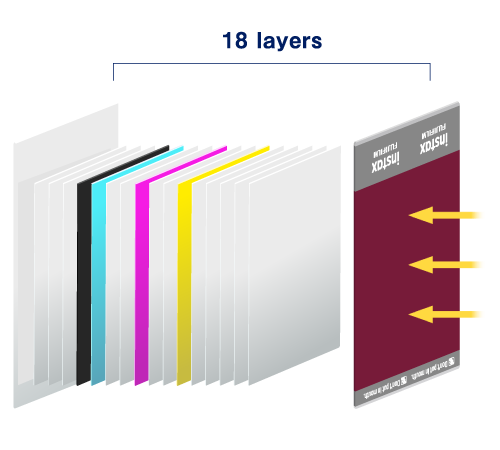
Let’s start with an exploded view of instax™ film. Whether it’s mini, SQUARE or WIDE, they’re all packed with innovations that make developing and printing photos possible.
Point 2
The photograph gradually emerges over approximately 90 seconds.
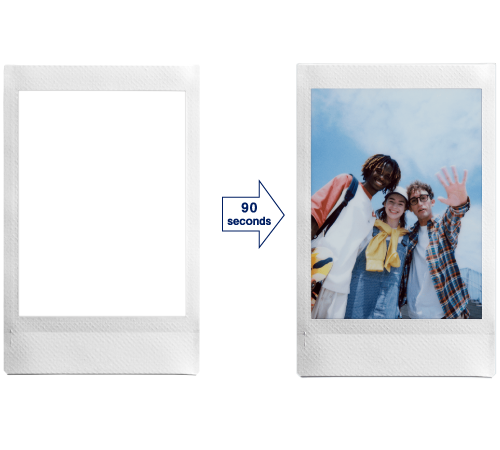
Point 3
instax™ photos feature silver halide technology to get their unique, high-quality look.Plus, instax™ photos are water resistant and ideal for storing even in wallets and phone cases. Now that's some serious film technology!


Have even more fun with
the instax UP!™ app
With the introduction of AI, you can now scan an instax™ photo regardless of the background or angle, or even in your hand.


- ●Apple and the Apple logo are trademarks of Apple Inc., registered in the U.S. and other countries and regions. App Store is a service mark of Apple Inc.
- ●Google Play and the Google Play logo are trademarks of Google LLC.
-
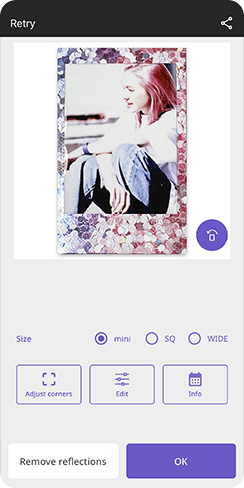 STEP1Scan instax™ photos using high-quality AI scanning
 -
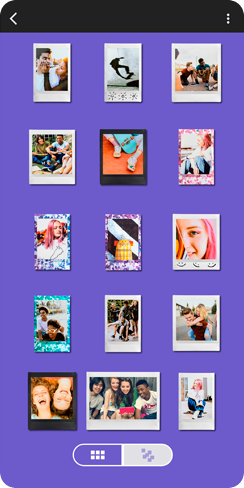 STEP2Organize your collection of scanned instax™ photos
 -
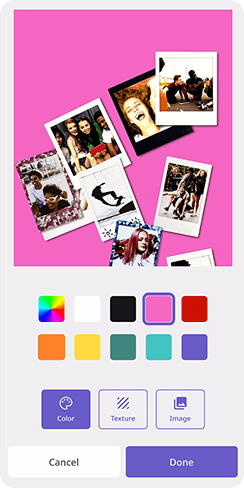 STEP3Share your gallery across social media
All your instax™ photos, digitally in one place
Learn more