


Firmware
Details of the upgrade
Ver. 1.01
Please ensure you have a microSD card ready, then follow the instructions below to download.
If downloading from theinstax mini Evo™ Smartphone App
STEP01
Open the instax mini Evo™ smartphone app and select “Camera Settings” from the menu located in the lower-left corner of the screen.

STEP02
Select “Firmware update” and follow the instructions on the screen.

If downloading from the web
STEP01
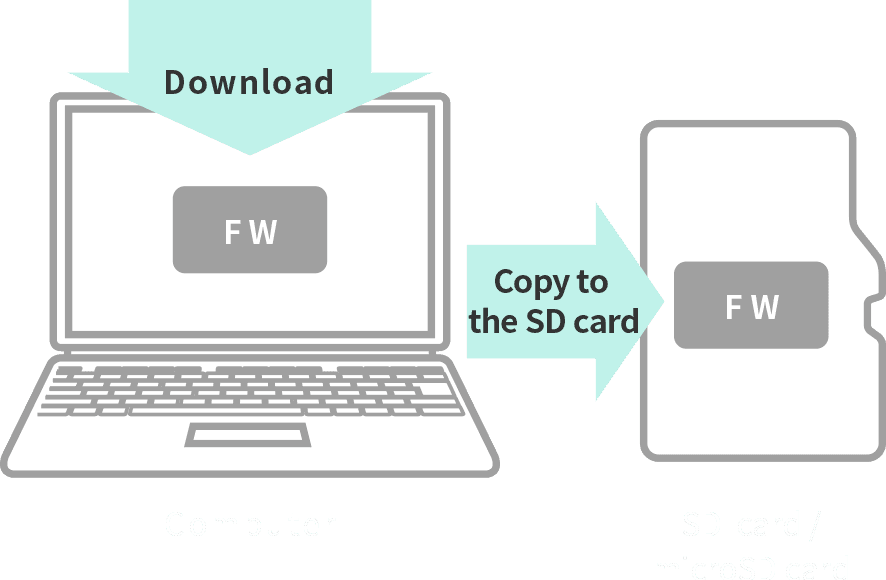
Save the latest firmware version from your PC to the micro SD card.
STEP02
Make sure the camera is sufficiently charged, insert the micro SD card and turn the power on.

STEP03
Select [FIRMWARE UPGRADE] from the menu to update.