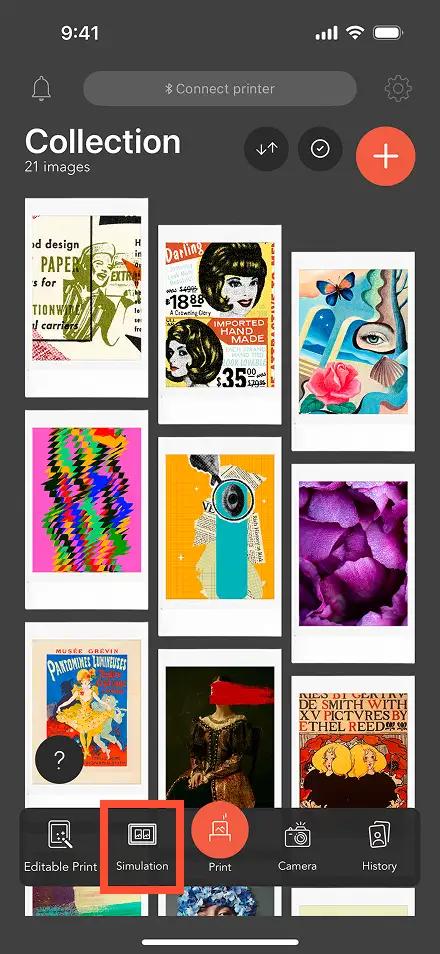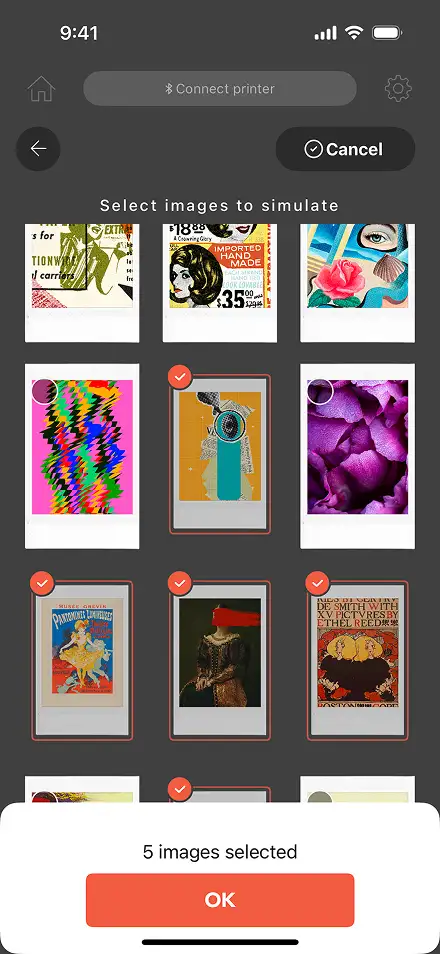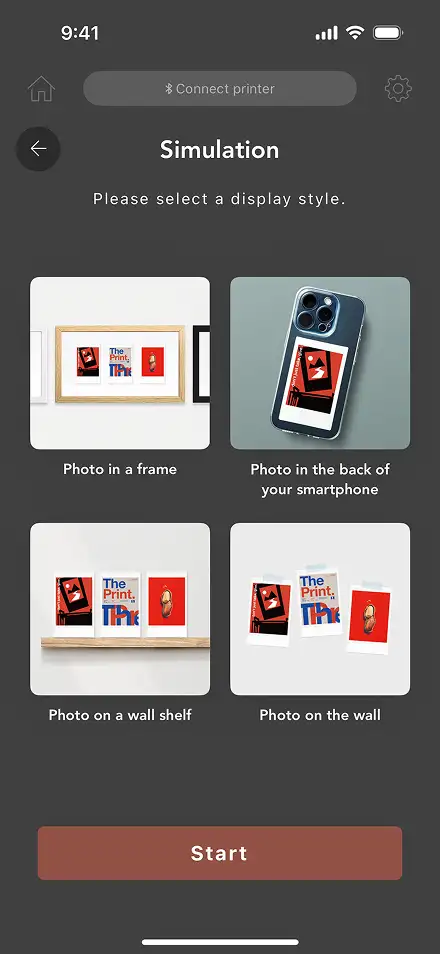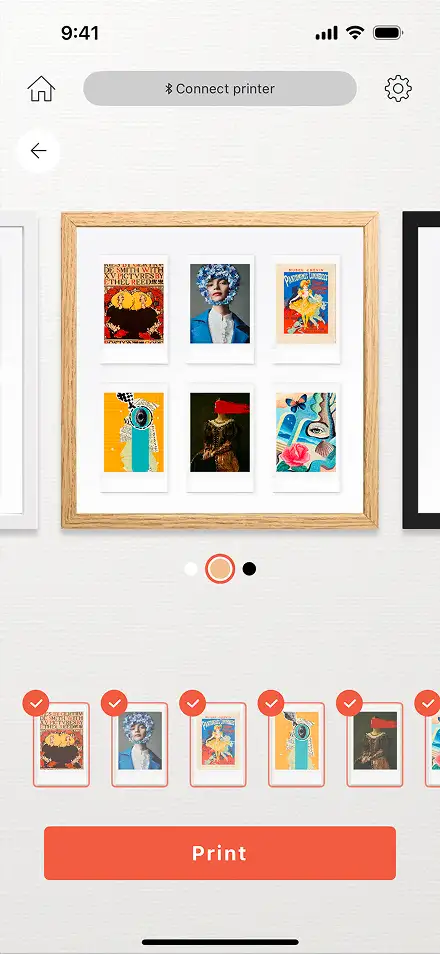

























































Import Method
1. Add images from Pinterest®
-
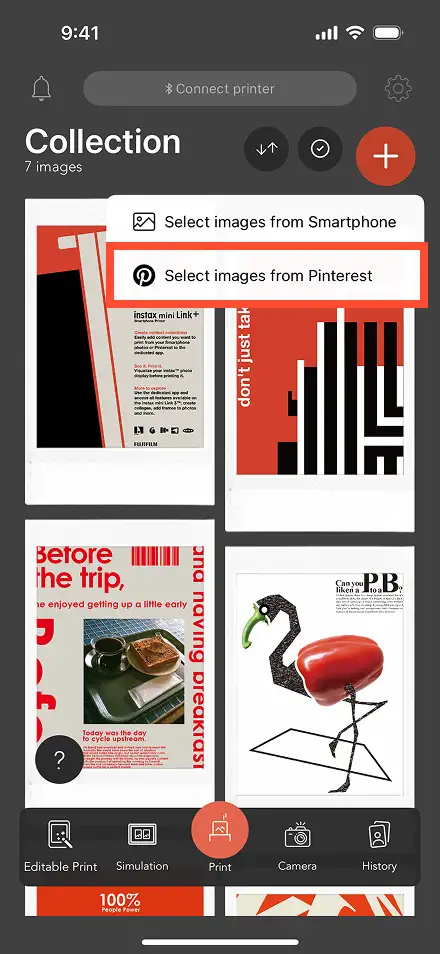
STEP1
Tap the + icon in the upper right corner and select "Select images from Pinterest".
-

STEP2
Log in to Pinterest®.
(First time only) -
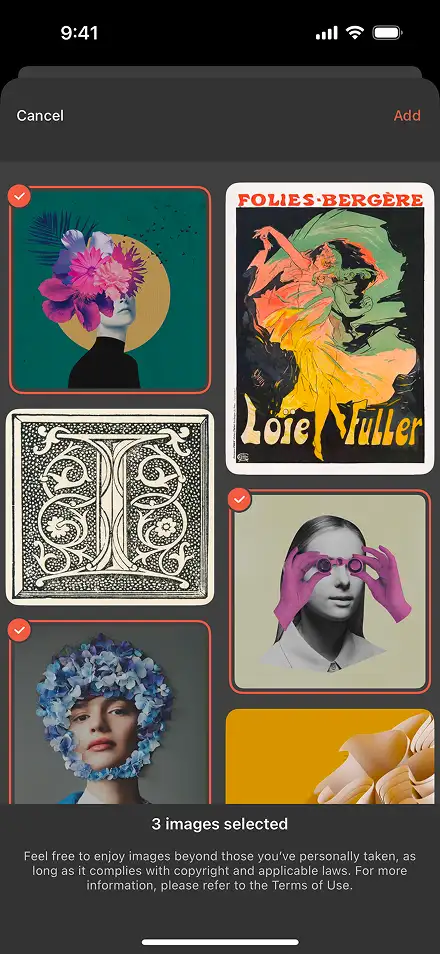
STEP3
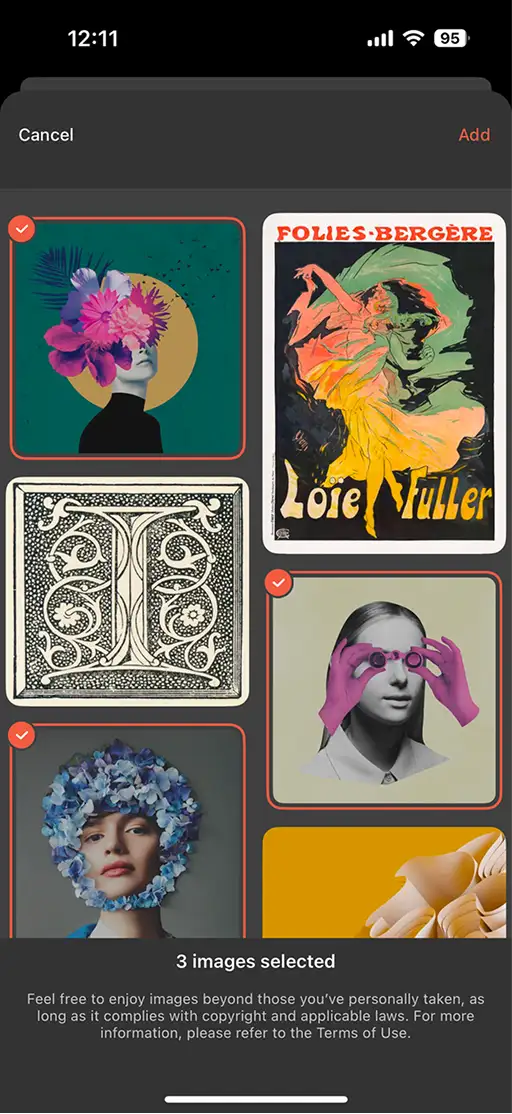
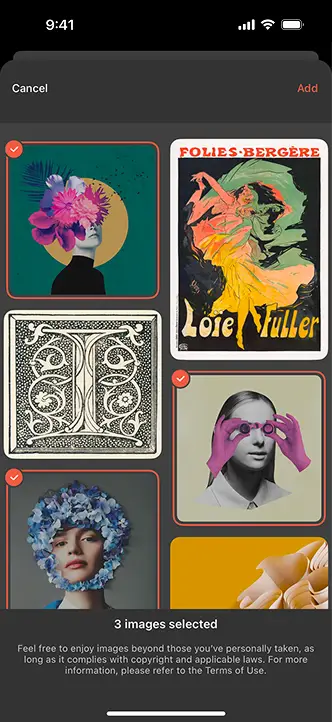
Select the image you want to import from your saved images.
-
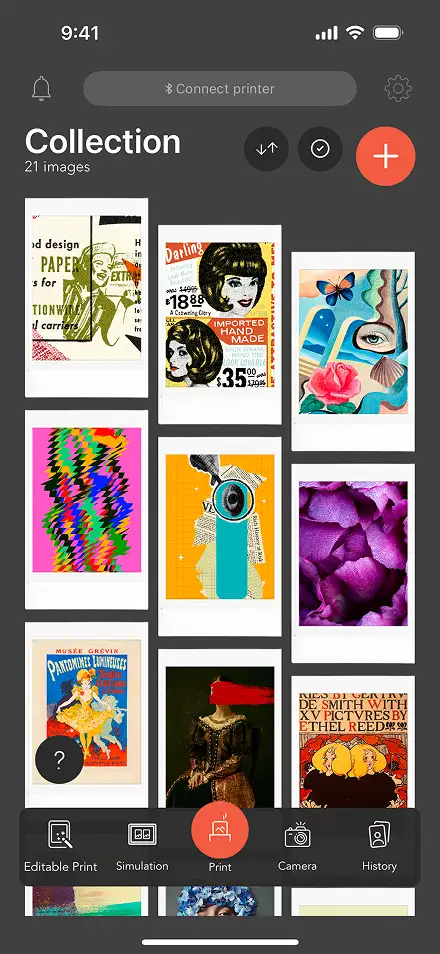
STEP4
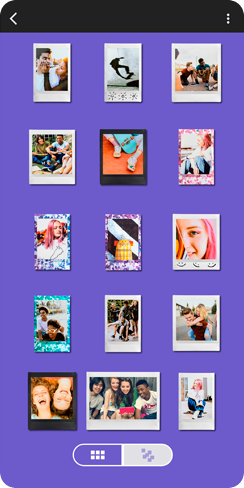
Easily import images in bulk into the app.
2. Add images from your smartphone
-
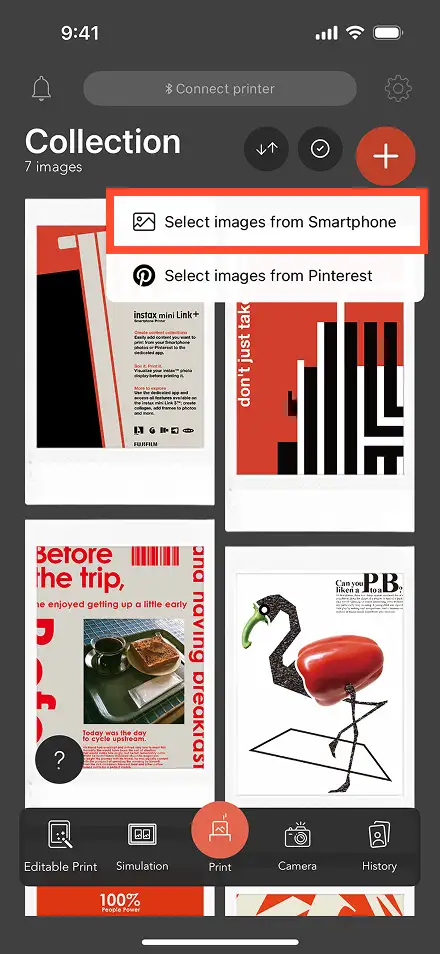
STEP1
Tap the + icon in the upper right corner and select "Select images from Smartphone."
-
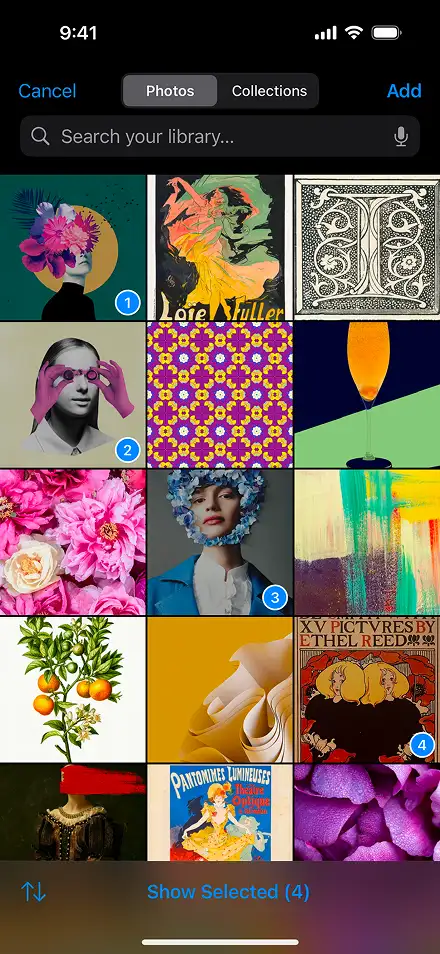
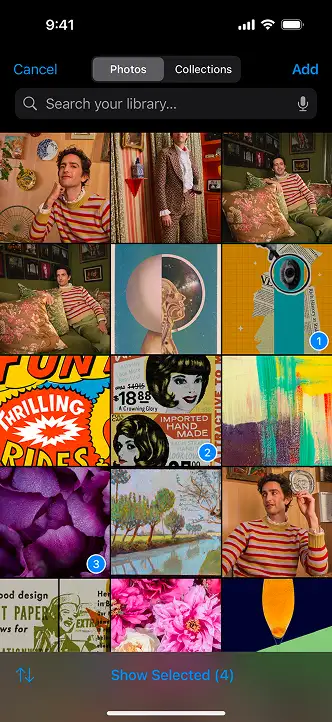
STEP2
Select the image you want to import from the library.
-
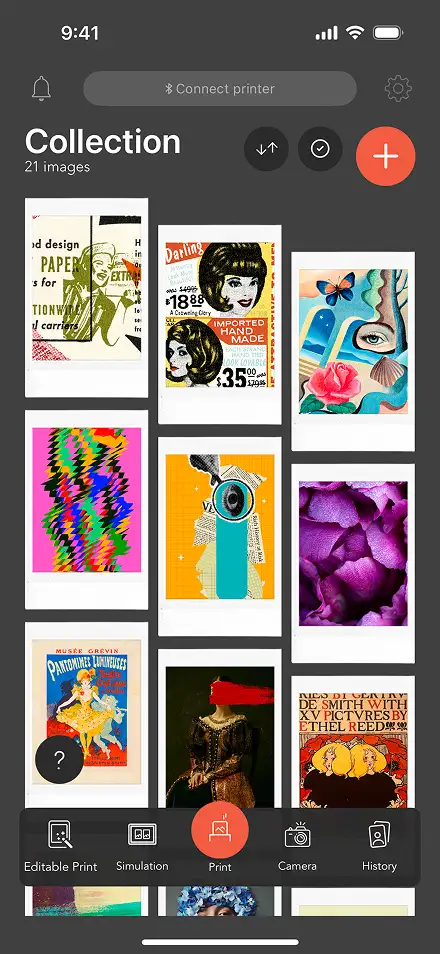
STEP3
Easily import images in bulk into the app.