


- Built-in interactive AR effects turn
shooting into a next-level experience. - Turn moments into memories instantly
with iconic instax™ photos.
step out of
the booth
Open-access AR photobooth.




Tabletop

Standalone

INFORMATION
-
NEW
What is ?
instax SPOT™ is our new instax™ photobooth!
・ Take photos with AR effects and print them
・ Print images from your smartphone

Have even more fun with your friends

with !

Capture moments instantly with instax™ photos.

Take a photo & print
Take a photo & print
Take a photo & print
Take a photo & print
Take a photo & print
Take a photo & print
Take a photo & print
Take a photo & print
Take a photo & print
Take a photo & print
Take a photo & print
Take a photo & print
Take a photo & print
Take a photo & print
Take a photo & print
Take a photo & print
Take a photo & print
Take a photo & print
Take a photo & print
Take a photo and print

Shoot and print
Step 1
CAPTURE!
Group selfies just got an upgrade! With instax AiR™ AR effects add virtual sunglasses, hearts, and even superpowers for extra fun. You get 6 shots per session and can choose between frame prints and regular prints.







Step 2
PRINT!
Print out your instax™ photos and watch as they come out of the printer, instantly!

Step 3
SHARE!
Use the instax UP!™ app to download an images to your smartphone. Then share it with your friends or post online for others to enjoy!




- ※ Apple and the Apple logo are trademarks of Apple Inc., registered in the U.S. and other countries and regions. App Store is a service mark of Apple Inc.
- ※ Google Play and the Google Play logo are trademarks of Google LLC.
Print from your phone
Print from your phone
Print from your phone
Print from your phone
Print from your phone
Print from your phone
Print from your phone
Print from your phone
Print from your phone
Print from your phone
Print from your phone
Print from your phone
Print from your phone
Print from your phone
Print from your phone
Print from your phone
Print from your phone
Print from your phone
Print from your phone
Print from your phone
Turn images taken on
your smartphone
into iconic instax™
photo prints!
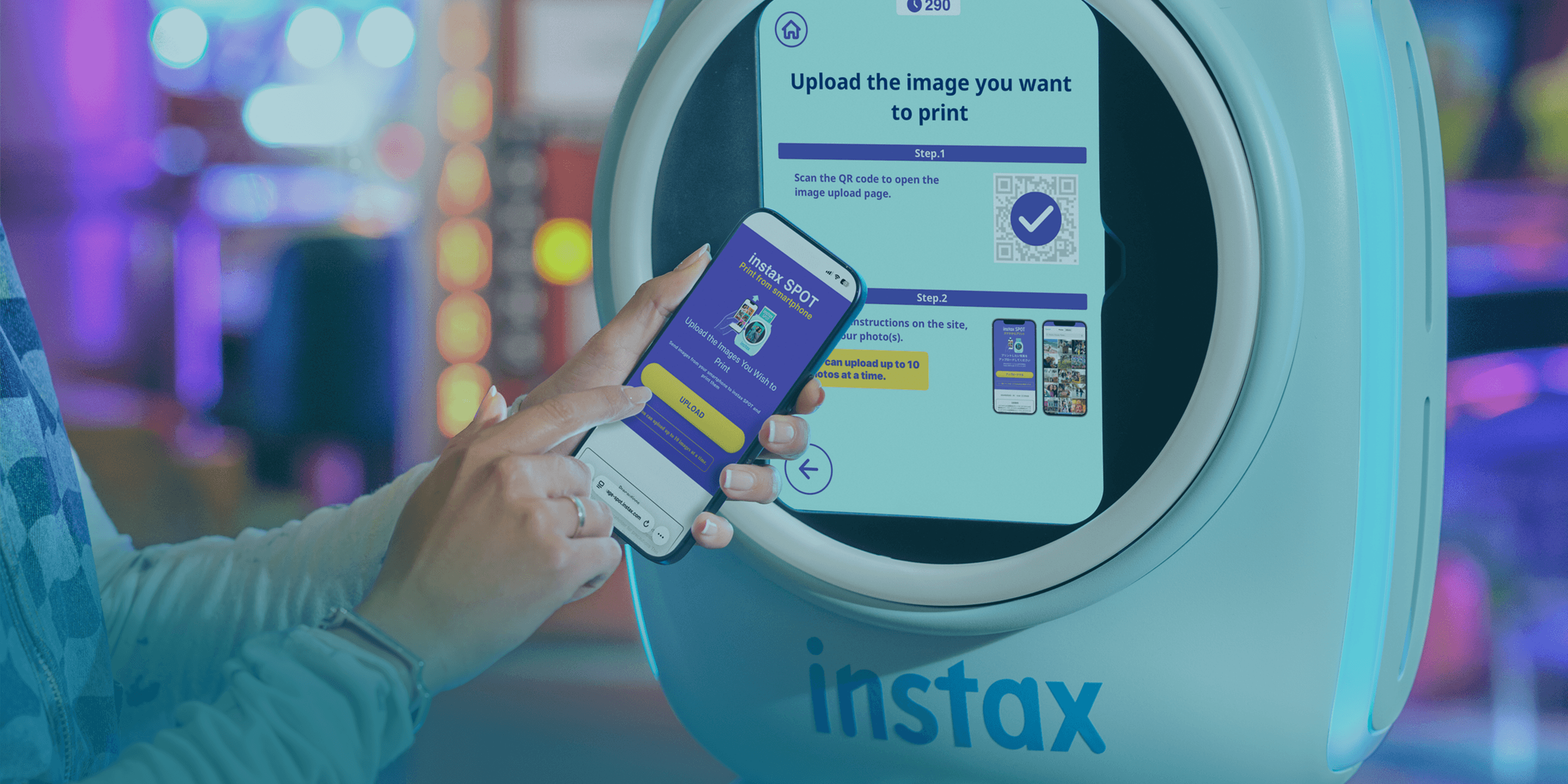
Step 1
UPLOAD!
Upload images from your smartphone
to the instax SPOT™ that you would like to print!
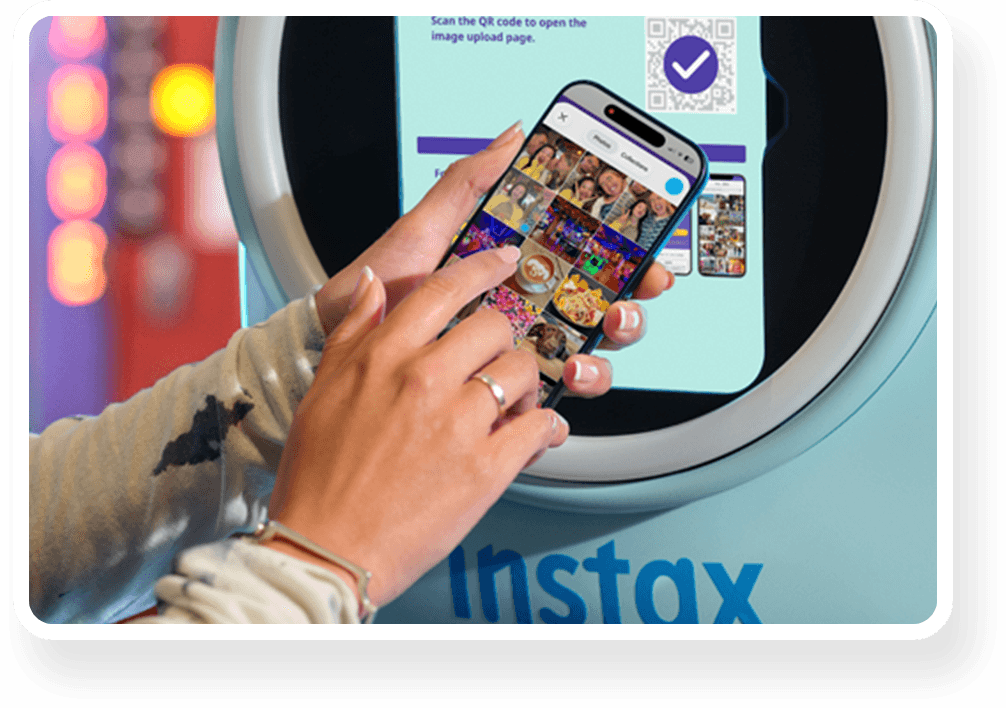
Step 2
EDIT!
Refine & edit your images with instax SPOT™
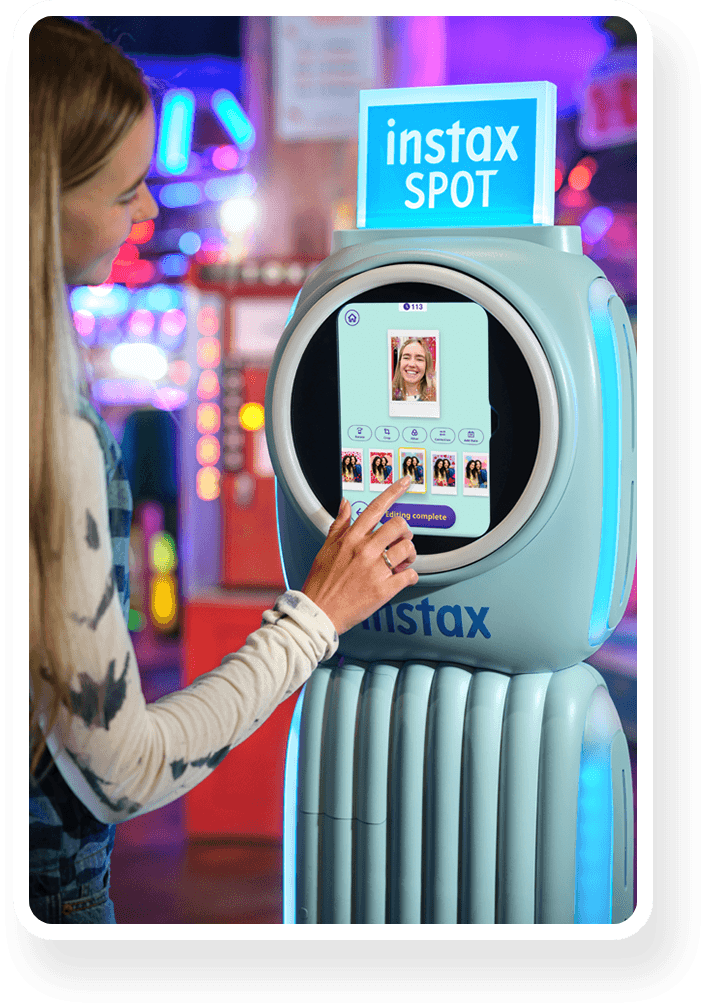
Step 3
PRINT!
Print your instax™ photos
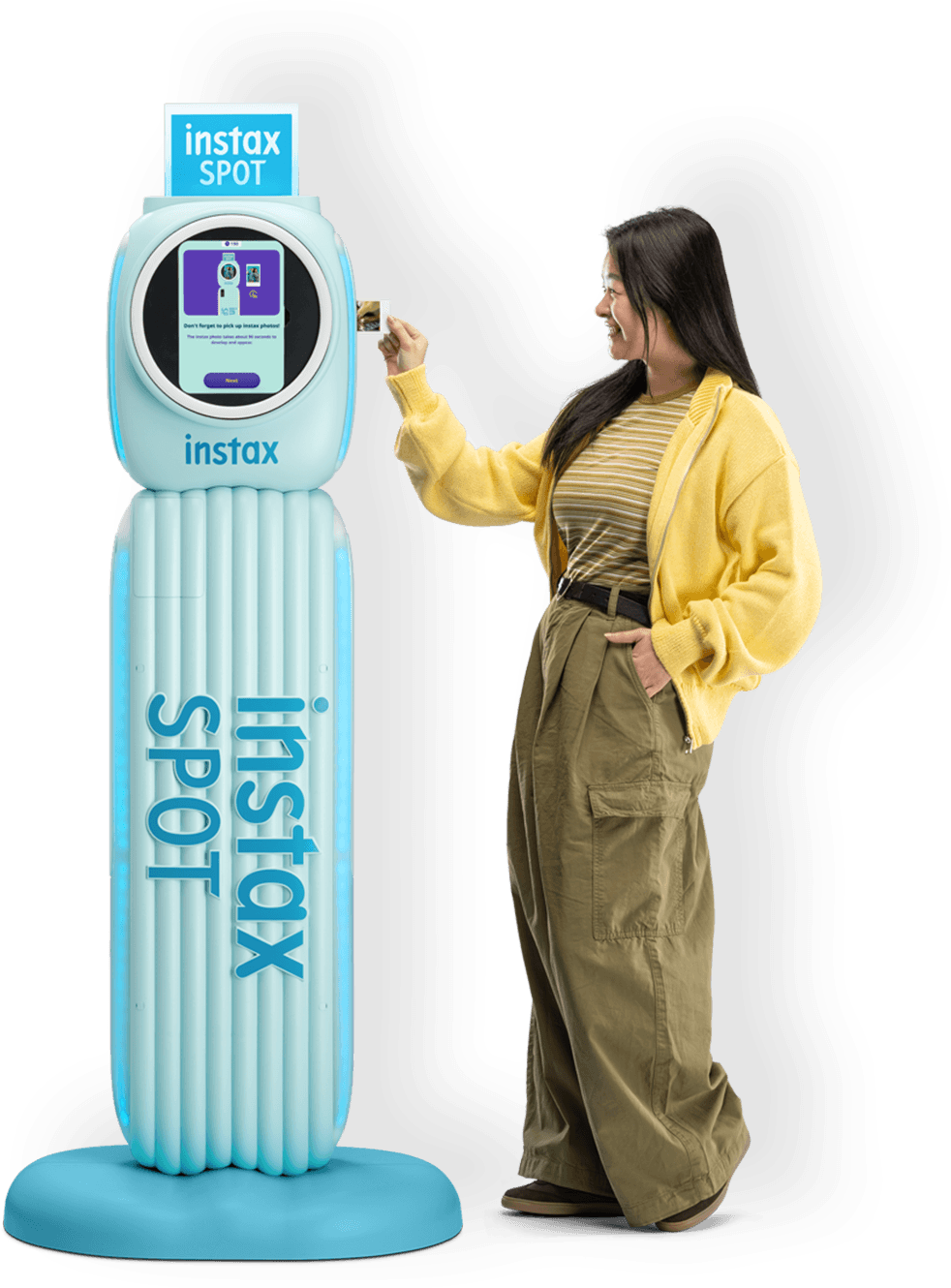


LOCATION

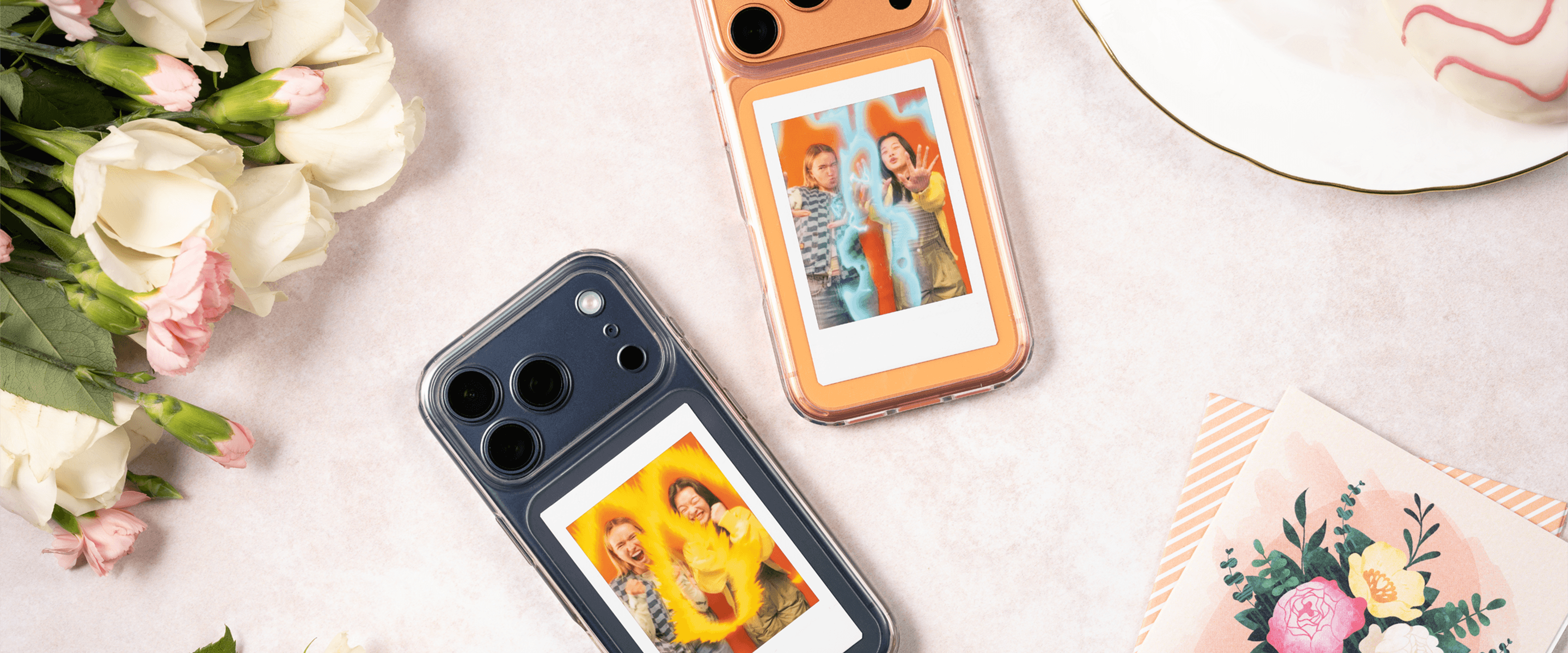
- ・ Images of instax™ photos are for illustrative purposes only.
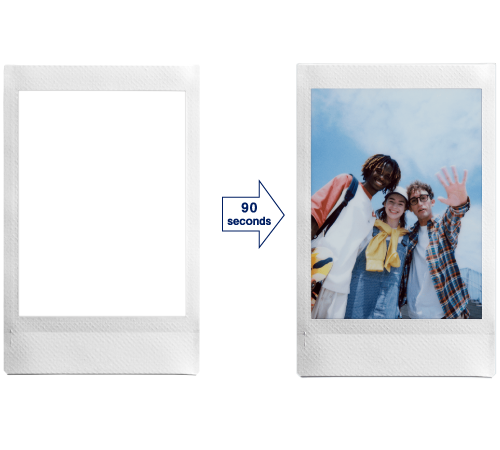
- ・ Develops in approx. 90secs.
- ・ The above specifications are subject to change for performance improvement.
- ・ Image size may affect the finish (sharpness, grain, etc.).
- ・ Time required for wireless transfer varies depending on the file size, smartphone model, operation and installation environment of the instax SPOT™.
- ・ The photo print finish (color, image quality, etc.) may be affected by smartphone model, shooting conditions, etc.
- ・ Printed photos may differ in appearance from the smartphone or instax SPOT™ screen image.
- ・ Images shown on instax SPOT™ display and smartphone screen are composite images for illustrative purposes only.
- ・ Actual screens may differ from those depicted.
- ・ Functionality may vary by device or operator settings.
- ・ The Bluetooth® word mark and logo are registered trademarks of Bluetooth SIG, Inc. and FUJIFILM Corporation uses these under license.
- ・ QR code is a registered trademark of DENSO WAVE INCORPORATED.
- ・ FUJIFILM, instax, instax SPOT, instax AiR and “don’t just take, give.” are registered trademarks of FUJIFILM Corporation.
- ・ Declaration of Conformity (DoC) available here.

Have you ever wondered what gives your favorite instax™ photos their unique look?
The secret lies within the film, and we’re ready to share all >>>
Film that’s filled
with technology
Point 1
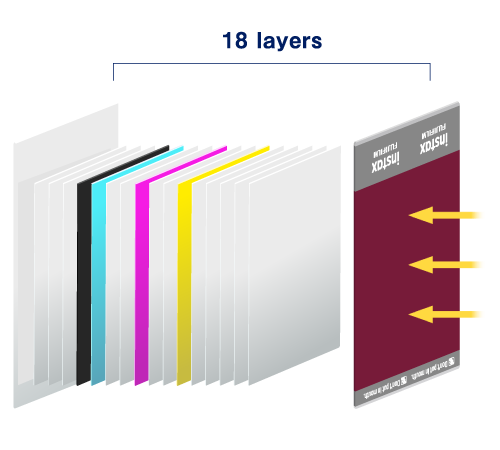
Let’s start with an exploded view of instax™ film. Whether it’s mini, SQUARE or WIDE, they’re all packed with innovations that make developing and printing photos possible.
Point 2
The photograph gradually emerges over approximately 90 seconds.
Point 3
instax™ photos feature silver halide technology to get their unique, high-quality look.Plus, instax™ photos are water resistant and ideal for storing even in wallets and phone cases. Now that's some serious film technology!


Have even more fun with
the instax UP!™ app
With the introduction of AI, you can now scan an instax™ photo regardless of the background or angle, or even in your hand.


- ●Apple and the Apple logo are trademarks of Apple Inc., registered in the U.S. and other countries and regions. App Store is a service mark of Apple Inc.
- ●Google Play and the Google Play logo are trademarks of Google LLC.
-
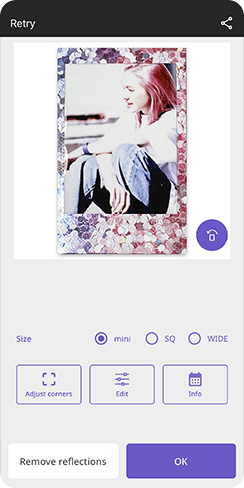 STEP1Scan instax™ photos using high-quality AI scanning
 -
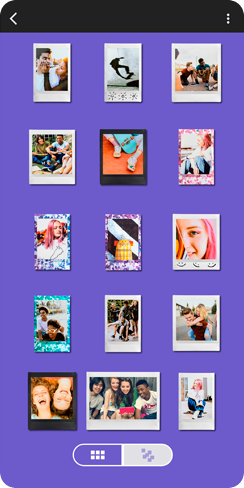 STEP2Organize your collection of scanned instax™ photos
 -
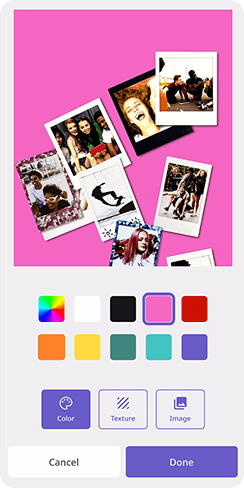 STEP3Share your gallery across social media
All your instax™ photos, digitally in one place
Learn more